4.8
on G2
Sign In
Transform keynotes, panel discussions, and conference talks into permanent educational articles. Perfect for event organizers, speakers, and content marketing teams repurposing event content.
Watch It Work
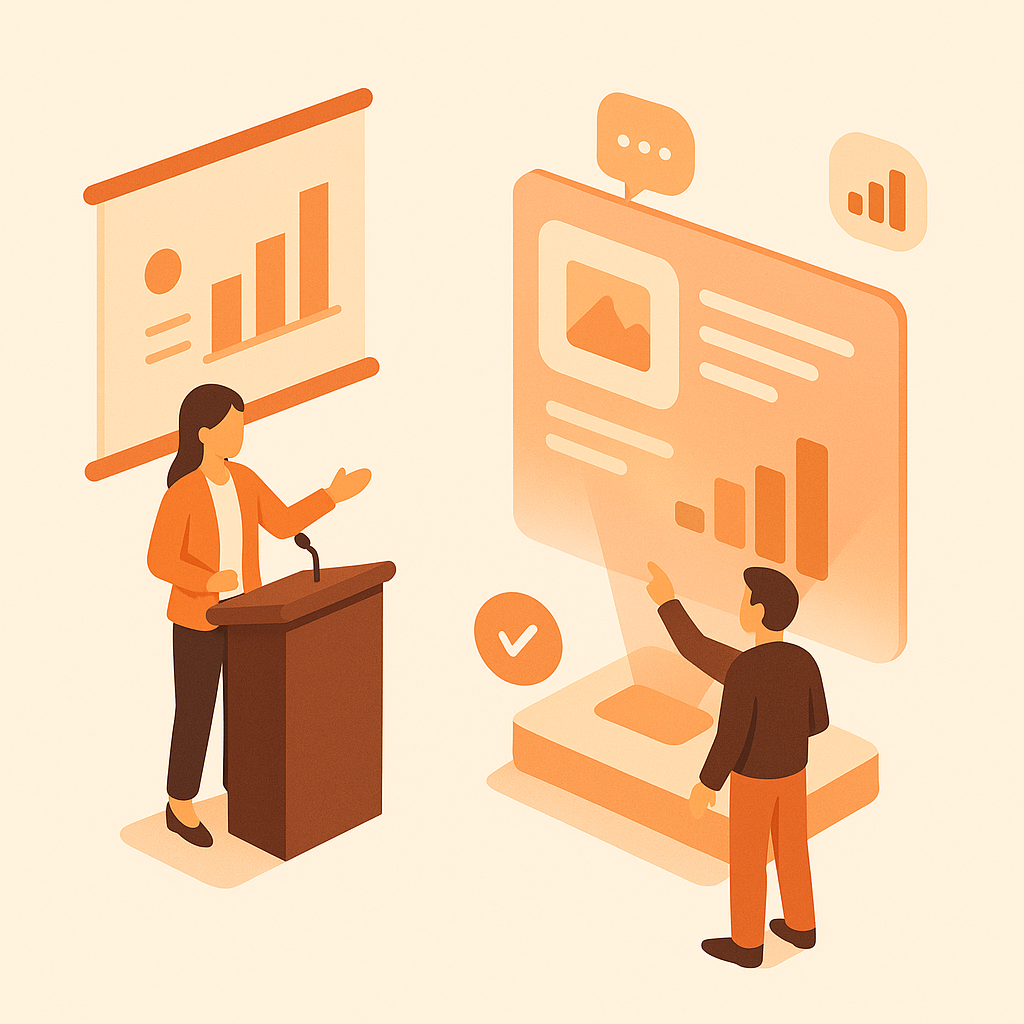
See how conference presentations become searchable educational content instantly
Join forward-thinking teams using Docsie to transform video content into searchable documentation




_Leader_Small-Business_Leader.svg)


_BestSupport_Small-Business_QualityOfSupport.svg)

Keynotes watched live, recorded once, never seen again
Conference Content Intelligence
Docsie's multimodal AI watches conference recordings—reading presentation slides, identifying key points, and extracting speaker insights to create permanent educational content.
AI reads every slide in conference presentations—extracting text, diagrams, charts, and key points. Creates searchable articles with embedded slide visuals
Identifies key quotes, insights, and takeaways from each speaker. Attributes content correctly for multi-speaker panels and keynotes
Generates executive summaries and key takeaways from each session—perfect for attendees who missed talks or need quick refreshers
Simple Process
Powered by Docsie Copilot's content repurposing AI
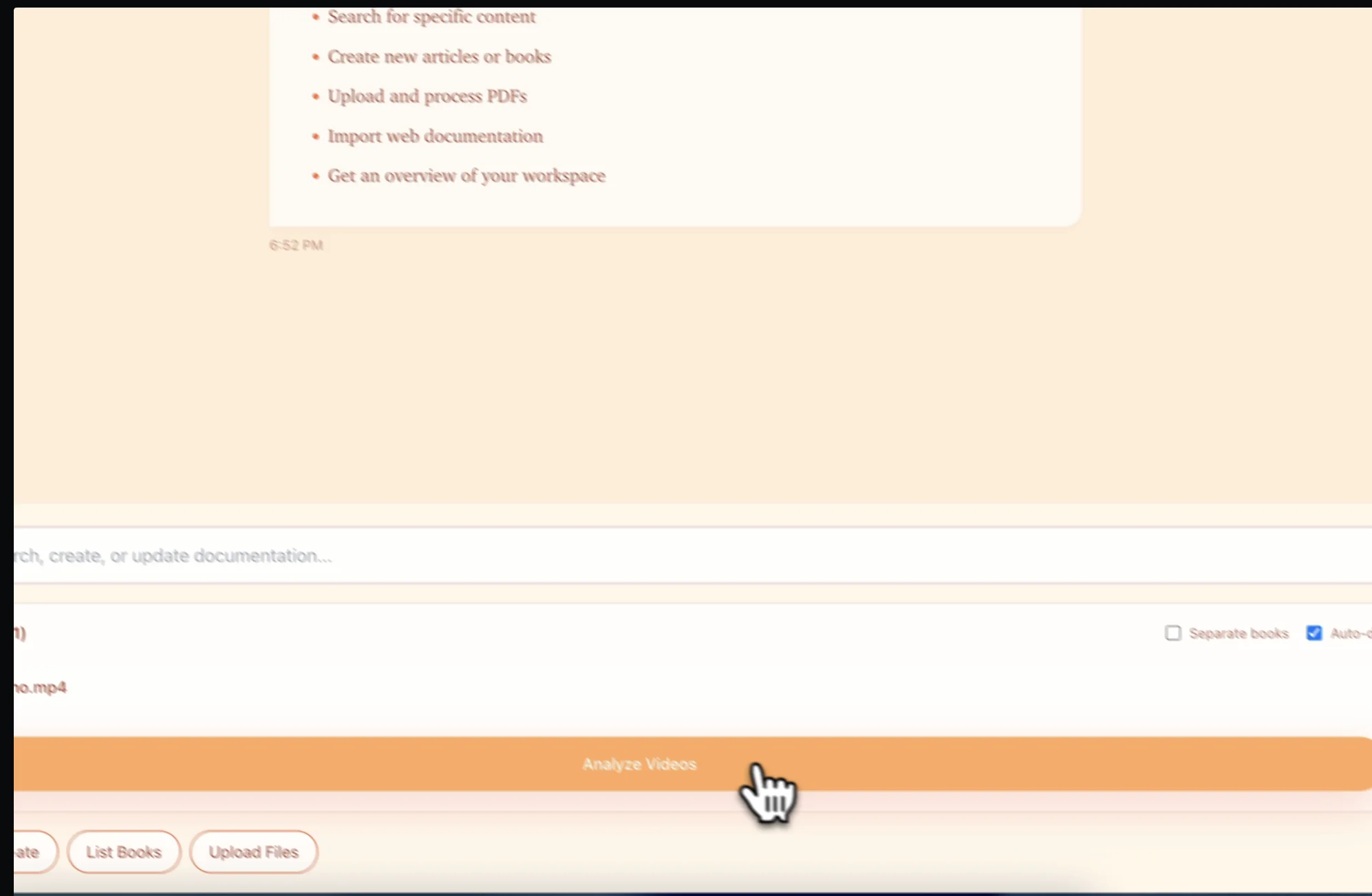
Upload keynotes, panel discussions, and session recordings from your conference. Works with any video format from event production teams
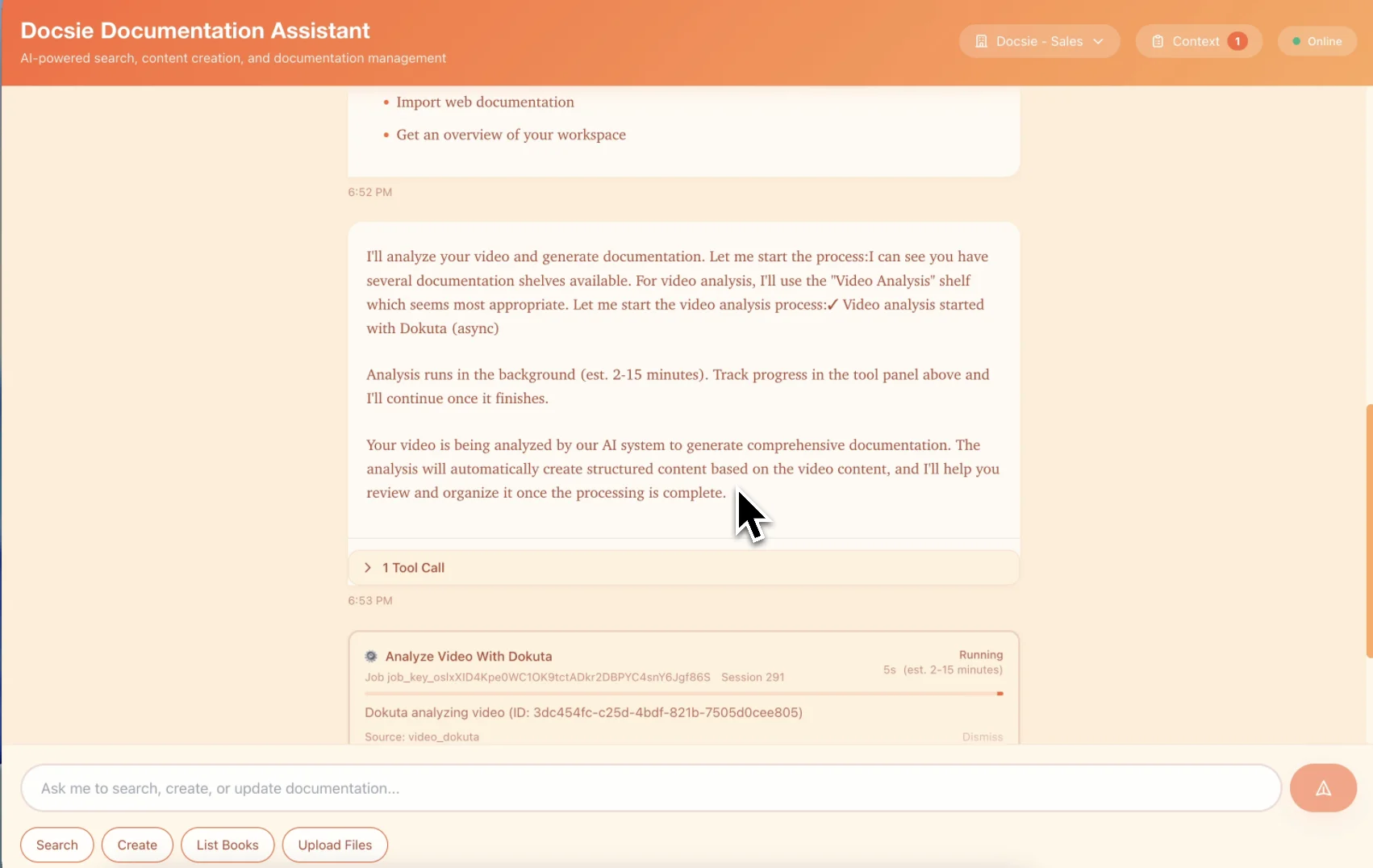
Multimodal AI reads presentation slides, identifies key points, captures speaker quotes, and structures content into searchable articles
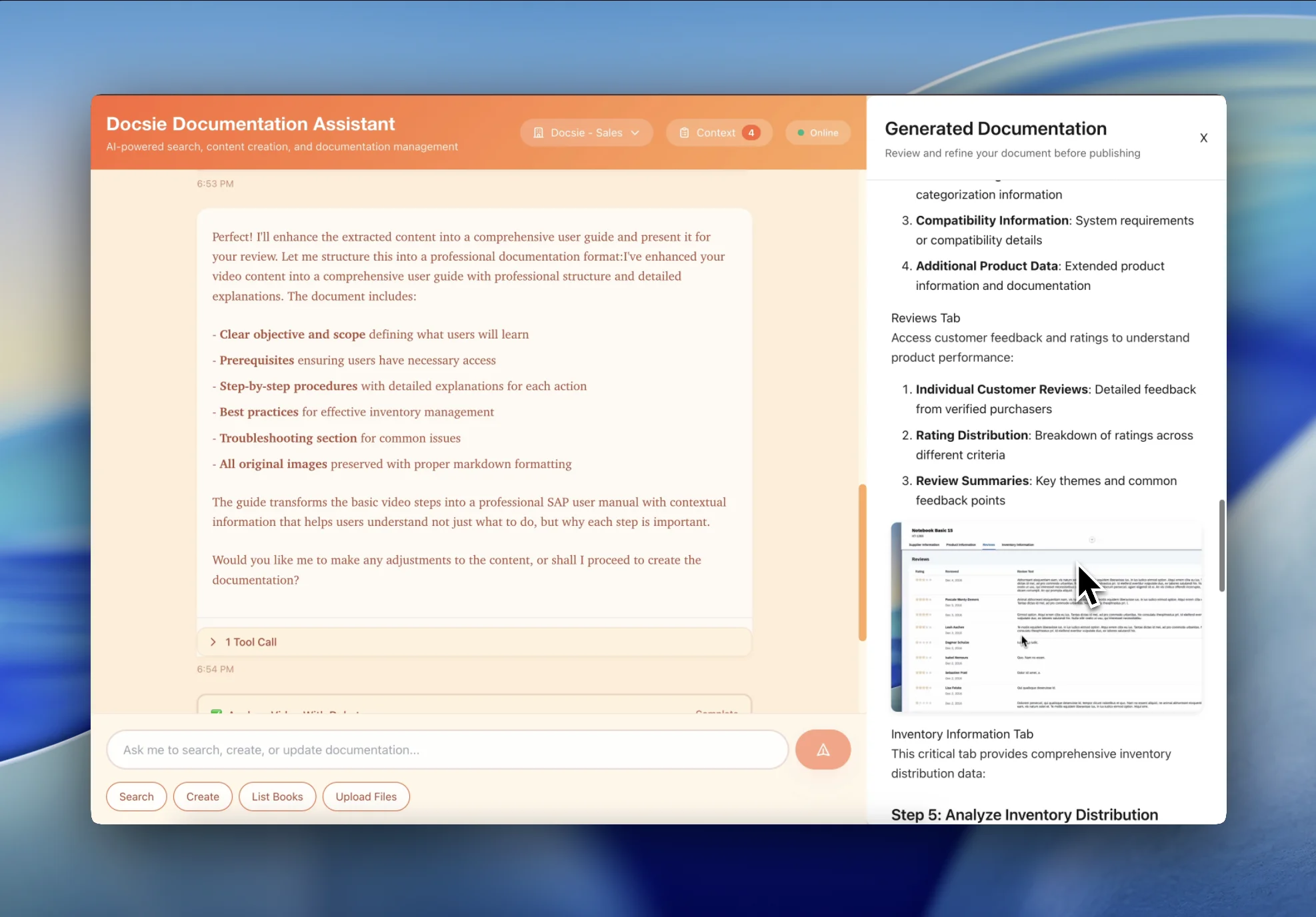
Get SEO-optimized articles from each session. Attendees search all conference content, and non-attendees discover your event through Google
See how event organizers transform conference recordings into permanent educational content

Transform keynote speeches into searchable thought leadership content. Extract speaker insights, key quotes, and presentation slides into SEO-optimized articles that drive traffic long after the event.
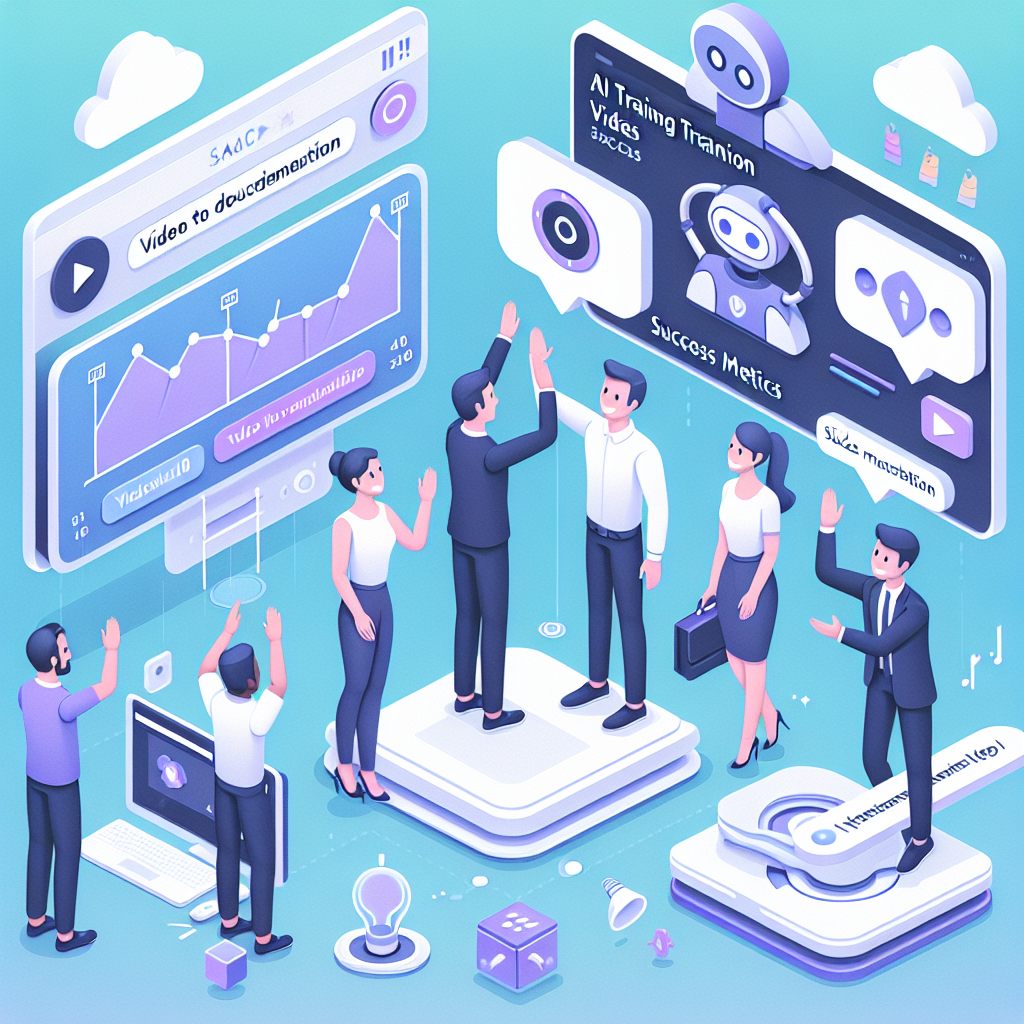
Turn panel discussions into structured articles with multiple speaker perspectives. Each panelist's insights are attributed correctly, creating comprehensive coverage of the topic.
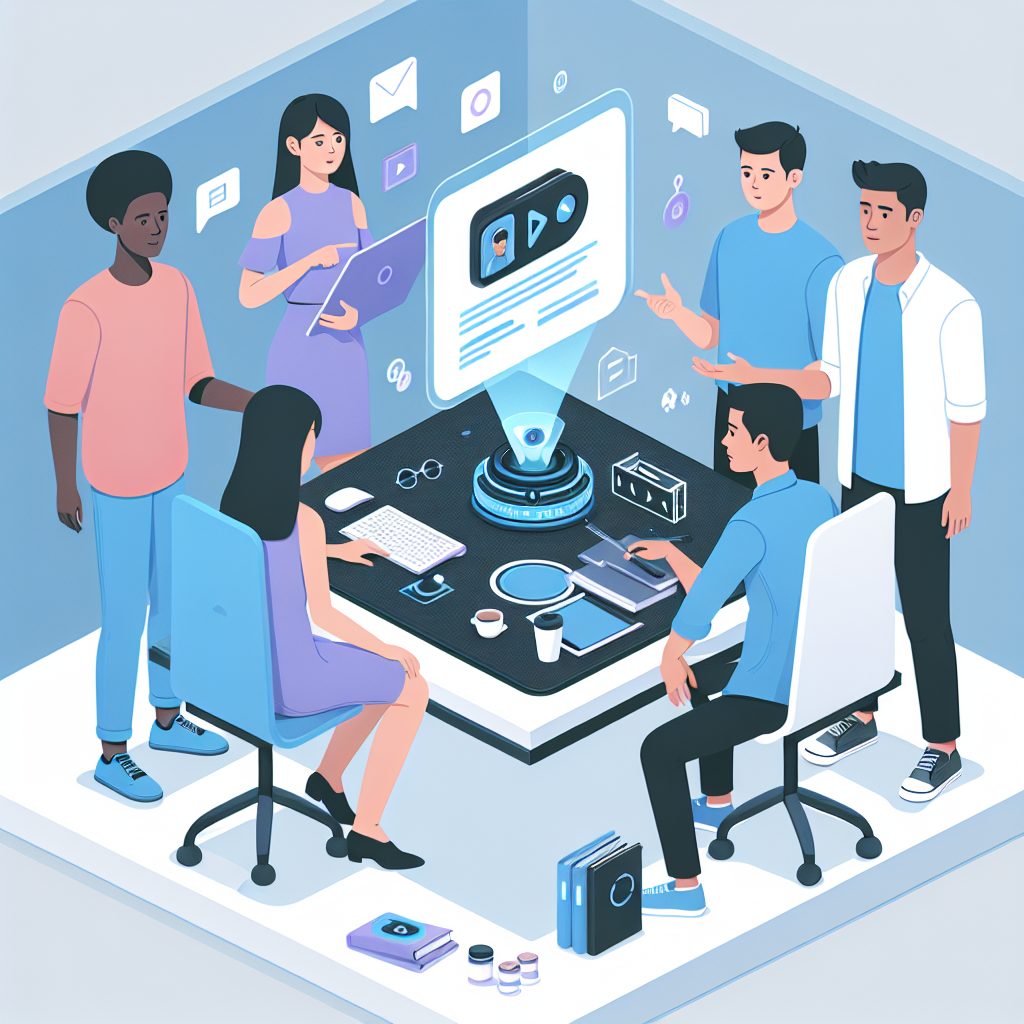
Convert workshop and breakout session recordings into practical guides attendees can reference. Non-attendees discover your conference content through search.
Transform event content into permanent educational assets
Conference sessions become searchable articles that rank in Google—driving traffic long after the event
Presentation slides extracted as visual content embedded in articles with speaker context
Multi-speaker panels properly attributed—each speaker's insights credited in the documentation
Attendees search across all conference sessions to find specific topics and insights
Executive summaries from each session for attendees who need quick refreshers
Generate articles in 50+ languages from English conference recordings for global audiences
Watch how Docsie Copilot analyzes both audio and video—seeing UI elements, reading on-screen text, and capturing code—to create structured documentation
No credit card required • 14-day free trial
Common Questions
Everything you need to know about converting conference recordings to articles
Q: How does Docsie extract content from conference presentations?
A: Docsie's multimodal AI watches conference recordings and reads presentation slides, identifies key speaker quotes, extracts diagrams and charts, and structures everything into searchable articles. It understands the visual content—not just the audio—so slide content is properly captured.
Q: Can you handle panel discussions with multiple speakers?
A: Yes. Docsie identifies different speakers and attributes their insights correctly in the generated articles. Panel discussions become comprehensive articles with each panelist's perspective clearly labeled.
Q: How many articles can I get from a single conference?
A: Typically, each session becomes 1-3 articles depending on content depth. A 2-day conference with 20 sessions could generate 30-50 searchable articles—creating a permanent content library from a one-time event.
Q: Will these articles rank in Google for topic searches?
A: Yes. Conference articles are optimized for search with proper headings, structured content, and topic-focused organization. Your conference content becomes discoverable by people searching for topics your speakers covered—driving traffic long after the event.
Q: Can attendees search across all conference sessions?
A: Absolutely. All conference content is organized into a searchable knowledge base. Attendees search for specific topics and find results from any session—with links back to the original video timestamps.
Still have questions?
Book a DemoCompatible with major video platforms and formats

Process YouTube videos and playlists

Convert Vimeo content
Support for MP4, AVI, WebM, MOV
Start creating professional documentation that your users will love