4.8
on G2
Sign In
Transform Google Meet recordings from Google Drive into structured training documentation, client handover guides, and searchable knowledge base articles. Perfect for Google Workspace teams.
Watch It Work
See a real example of uploading a Meet recording and getting structured documentation instantly
Join forward-thinking teams using Docsie to transform video content into searchable documentation






_Leader_Small-Business_Leader.svg)


_BestSupport_Small-Business_QualityOfSupport.svg)

Hundreds of recordings stored, zero documentation delivered
Google Workspace Integration
Docsie integrates with Google Drive, reads screen shares from Meet recordings, and creates documentation that fits your existing Google Workspace workflows.
Upload Meet recordings directly from Google Drive or Shared Drives. Organize output documentation back into Drive folders for team access
Reads Google Slides, Sheets, and any content shared during Meet calls. Extracts data, code, and diagrams shown on screen
Creates documentation that matches your Google Workspace style—familiar formatting for easy team adoption and editing
Simple Process
Powered by Docsie Copilot's Google Workspace integration
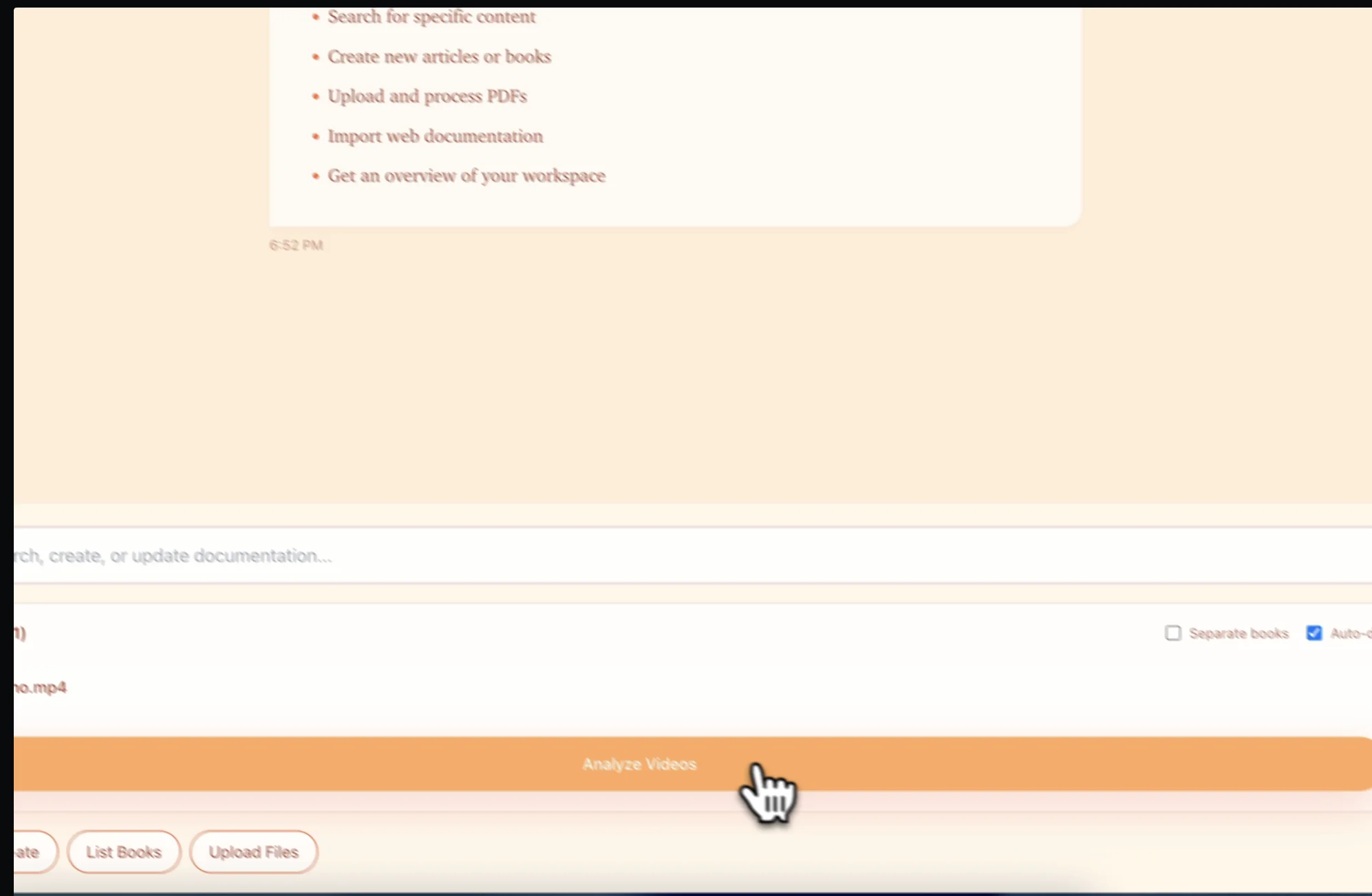
Download your Google Meet recording from Google Drive and upload to Docsie. Works with recordings from My Drive or Shared Drives
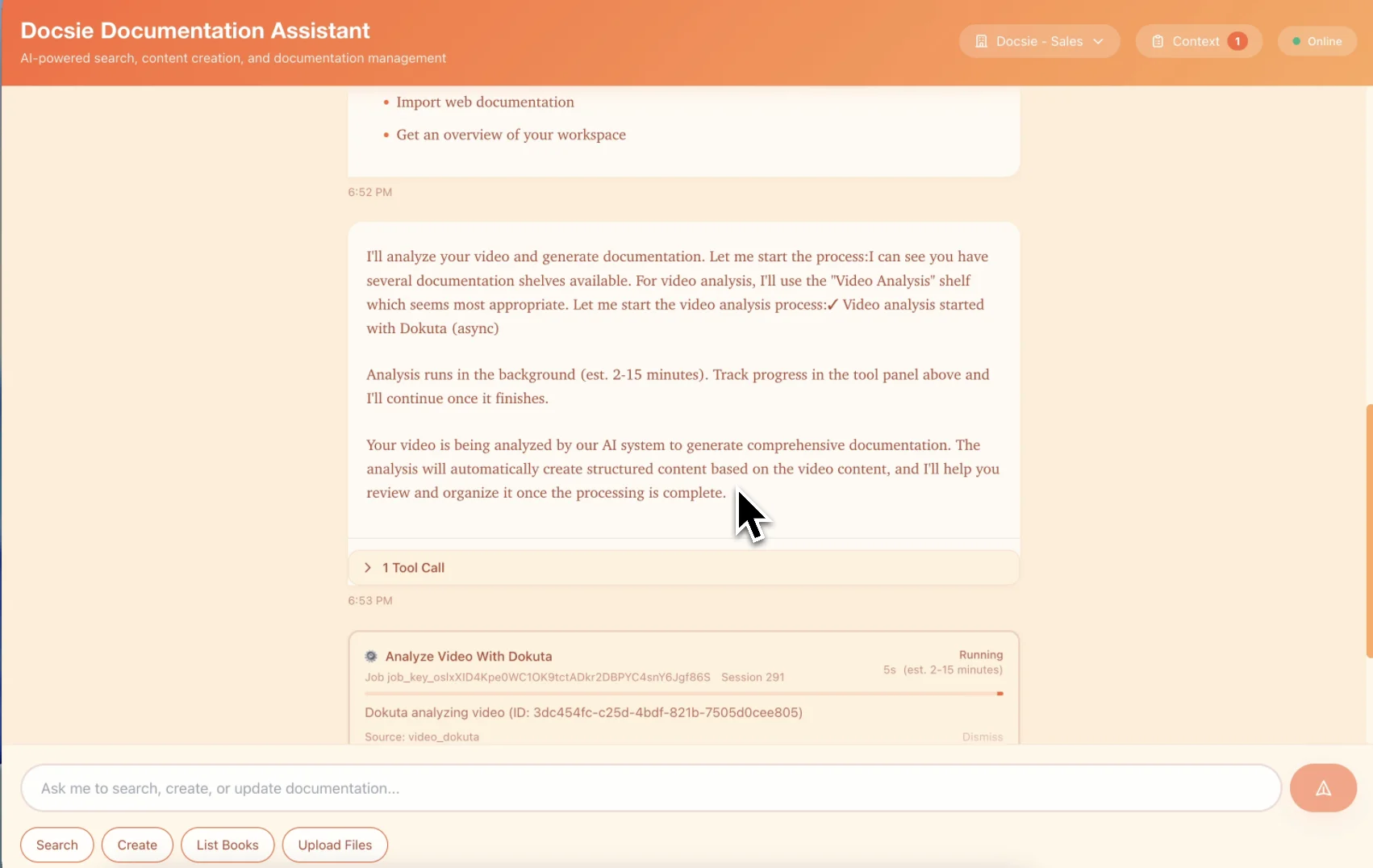
Multimodal AI reads Google Slides, Sheets, and any content shared during your Meet call. Creates structured documentation with screenshots
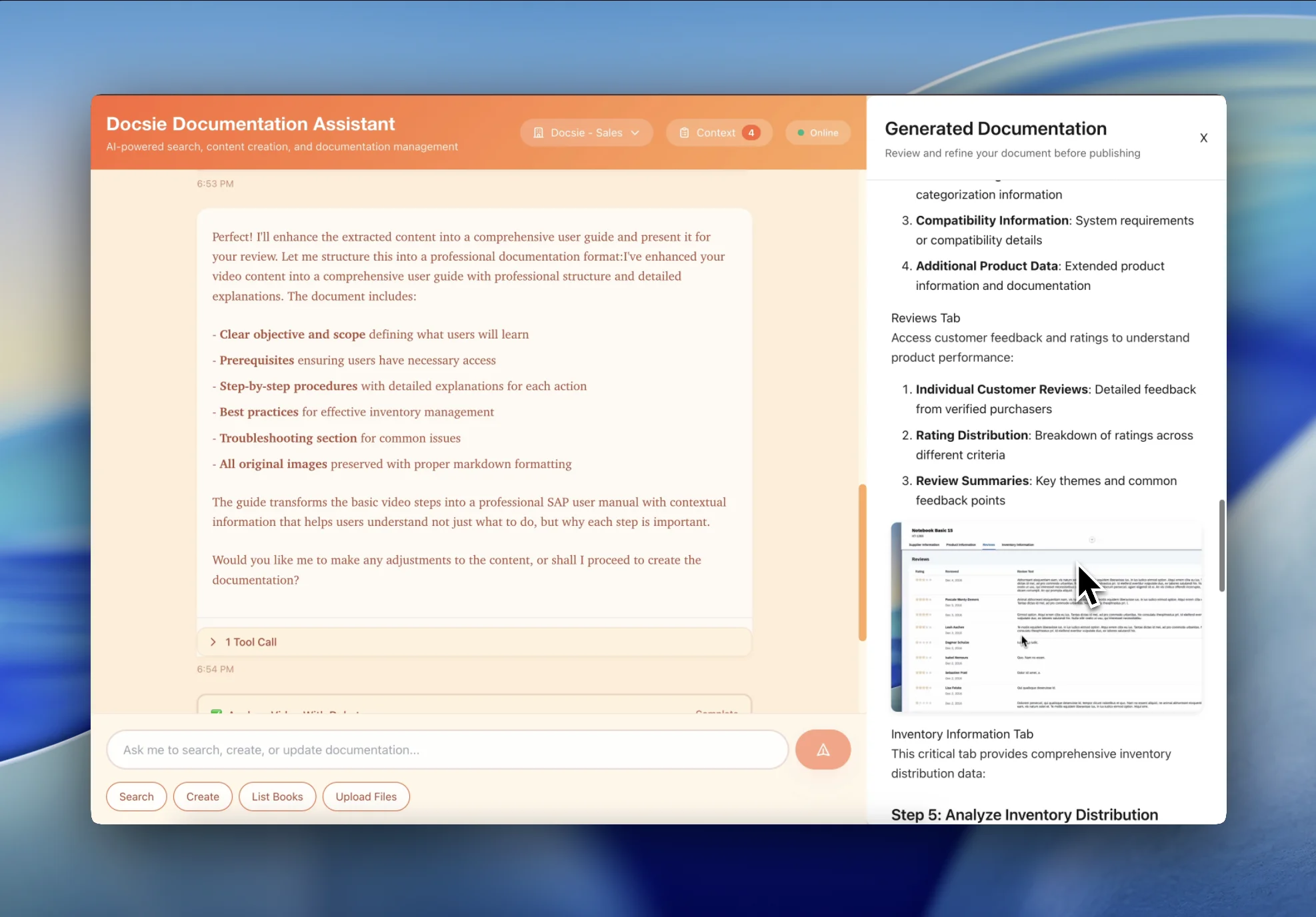
Get searchable documentation your team can access. Export back to Google Drive or publish to white-labeled client portals
See how Google Workspace teams convert different types of Meet recordings

Transform internal training Google Meets into permanent employee documentation that lives in Google Workspace where your team already works.

Convert client kick-off calls, training sessions, and demos into professional documentation your clients can keep forever.
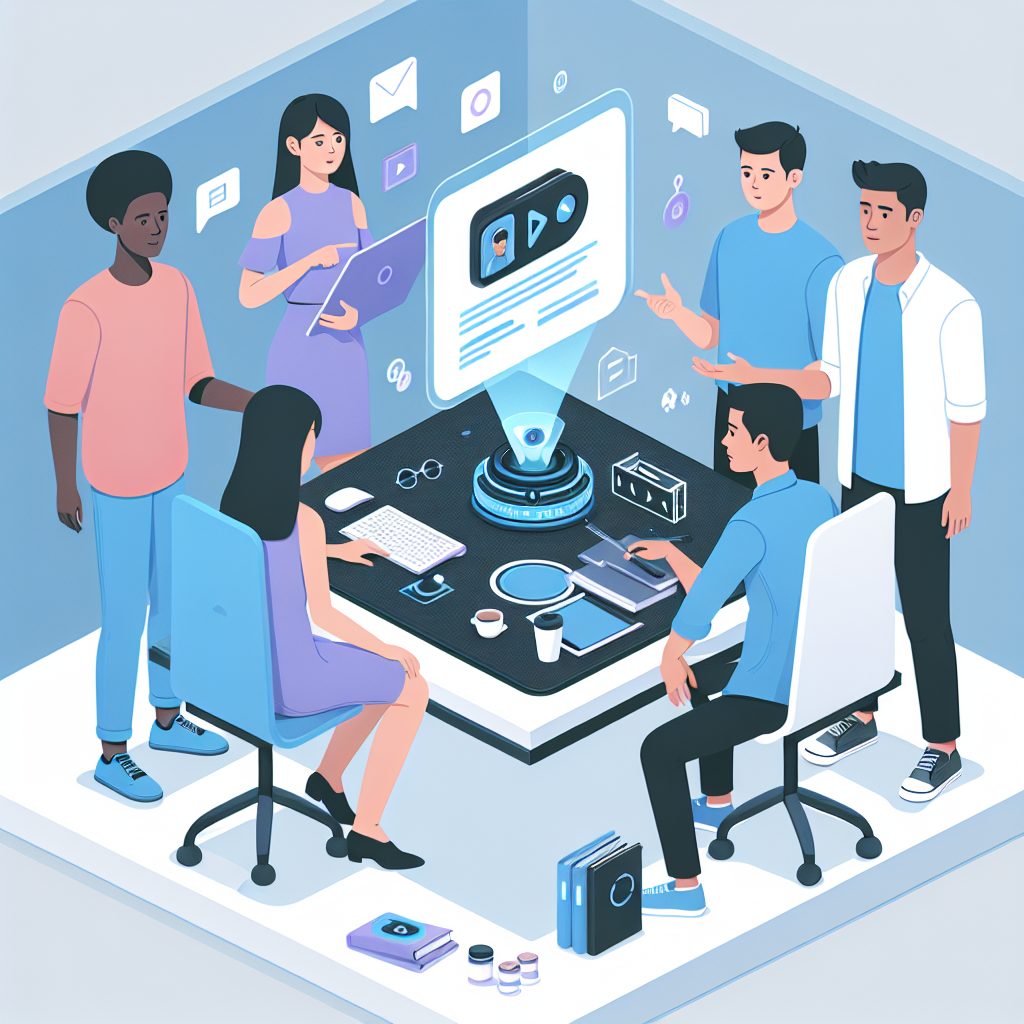
Convert company all-hands, team updates, and recurring Meets into searchable documentation. Employees who missed the meeting find key announcements and decisions instantly.
Multiple deliverables from a single Meet recording
Upload Meet recordings from My Drive or Shared Drives—keep documentation organized in your Google Workspace
AI reads Google Slides, Sheets, and any content shared during Meet calls—not just audio transcription
Generate documentation in 50+ languages from English Meet recordings for international Google Workspace teams
Search across all Meet recordings to find specific discussions, decisions, and action items
Export documentation back to Google Drive in familiar formats your team already uses
Transform internal Meets into branded client documentation with custom domains and your company identity
Watch how Docsie analyzes Meet recordings—transcribing audio, reading Google Slides, extracting screen shares—to create structured documentation
No credit card required • 14-day free trial
Common Questions
Everything you need to know about converting Meet recordings
Q: Can Docsie access my Google Meet recordings directly from Google Drive?
A: Yes. You can connect your Google Drive account to upload Meet recordings automatically, or manually upload MP4 files from My Drive or Shared Drives. Docsie integrates with Google Workspace for seamless access.
Q: Can you extract content from Google Slides and Sheets shared during Meet calls?
A: Absolutely. Docsie uses OCR to read Google Slides presentations, Sheets spreadsheets, and any content shared during Meet calls. This includes text, data, charts, and code shown on screen.
Q: Does this work with recordings stored in Shared Drives?
A: Yes. Docsie works with recordings in My Drive, Shared Drives (Team Drives), and folders shared with you. Perfect for teams using Google Workspace collaboration features.
Q: Can I save the documentation back to Google Drive?
A: Yes. Export documentation to Google Drive as structured docs, or publish to Docsie's white-labeled portals. You can also export to PDF, HTML, or Markdown for other systems.
Q: Can I create client-facing documentation from internal Meet recordings?
A: Absolutely. Transform internal training Meets into professional client documentation with your branding, custom domain, and white-labeled portals. Perfect for consulting and implementation projects.
Still have questions?
Book a DemoCompatible with Google Workspace recording formats
Upload Meet recordings from My Drive or Shared Drives
Works with Meet recordings from any Workspace plan
MP4, WebM files from Meet recording downloads
Start creating professional documentation that your users will love