4.8
on G2
Sign In
Transform internal training and process walkthroughs into SOPs and workflow documentation. Perfect for Operations teams, Finance departments, and Administrative functions documenting internal procedures.
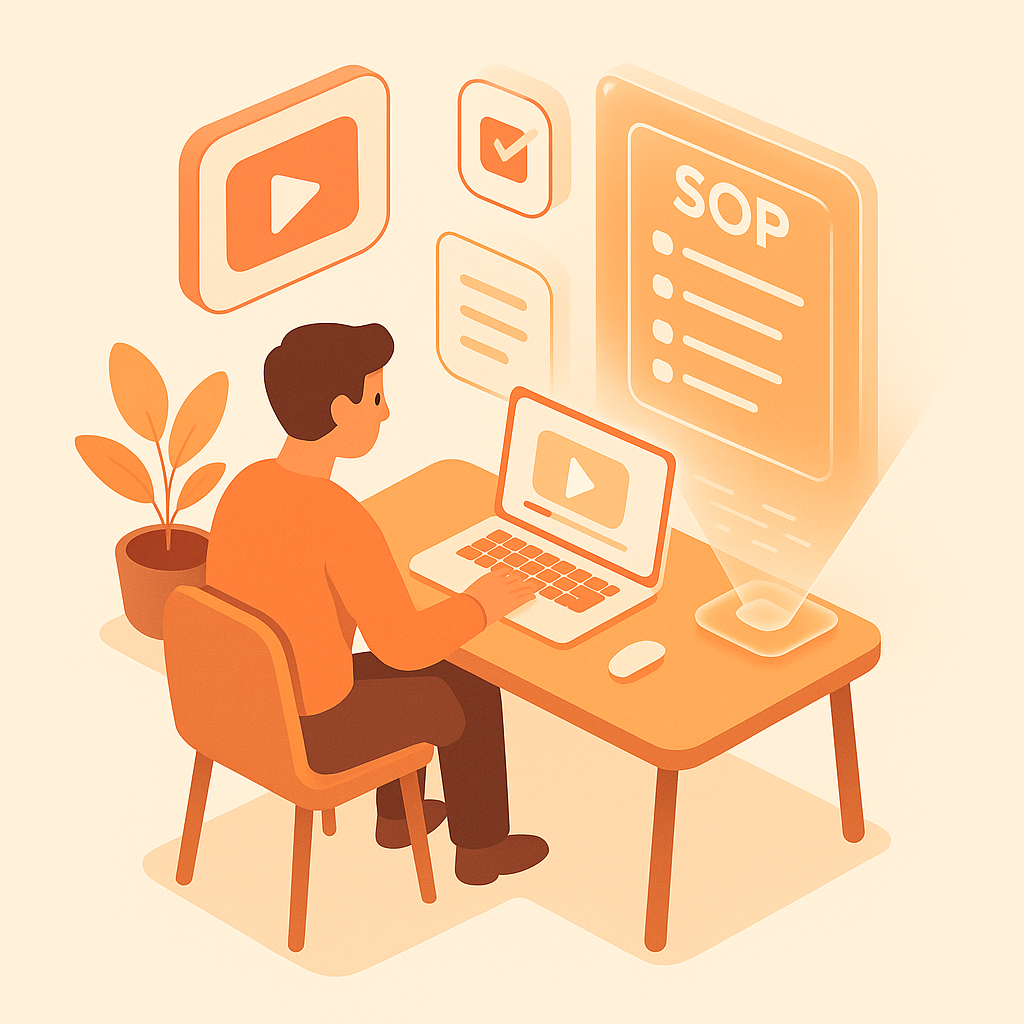
Watch It Work
See how internal process recordings become structured SOPs instantly
Join forward-thinking teams using Docsie to transform video content into searchable documentation





_Leader_Small-Business_Leader.svg)


_BestSupport_Small-Business_QualityOfSupport.svg)

Process knowledge disappears when employees leave
Operations-Specific Features
Docsie reads menu paths, form fields, and system screens from your process videos—creating structured SOPs that new employees can actually follow.
AI identifies discrete process steps from your walkthrough—extracts the sequence, decision points, and system actions into structured SOP format
Reads menu paths, button labels, and form fields from ERP, CRM, and internal tools—documents exactly where to click and what to enter
Creates SOPs organized by role and department—Finance sees month-end close procedures, Operations sees fulfillment workflows
Simple Process
Powered by Docsie Copilot's operations-focused AI
Record your process expert walking through the workflow on screen. Upload from Loom, Teams, or any screen recorder
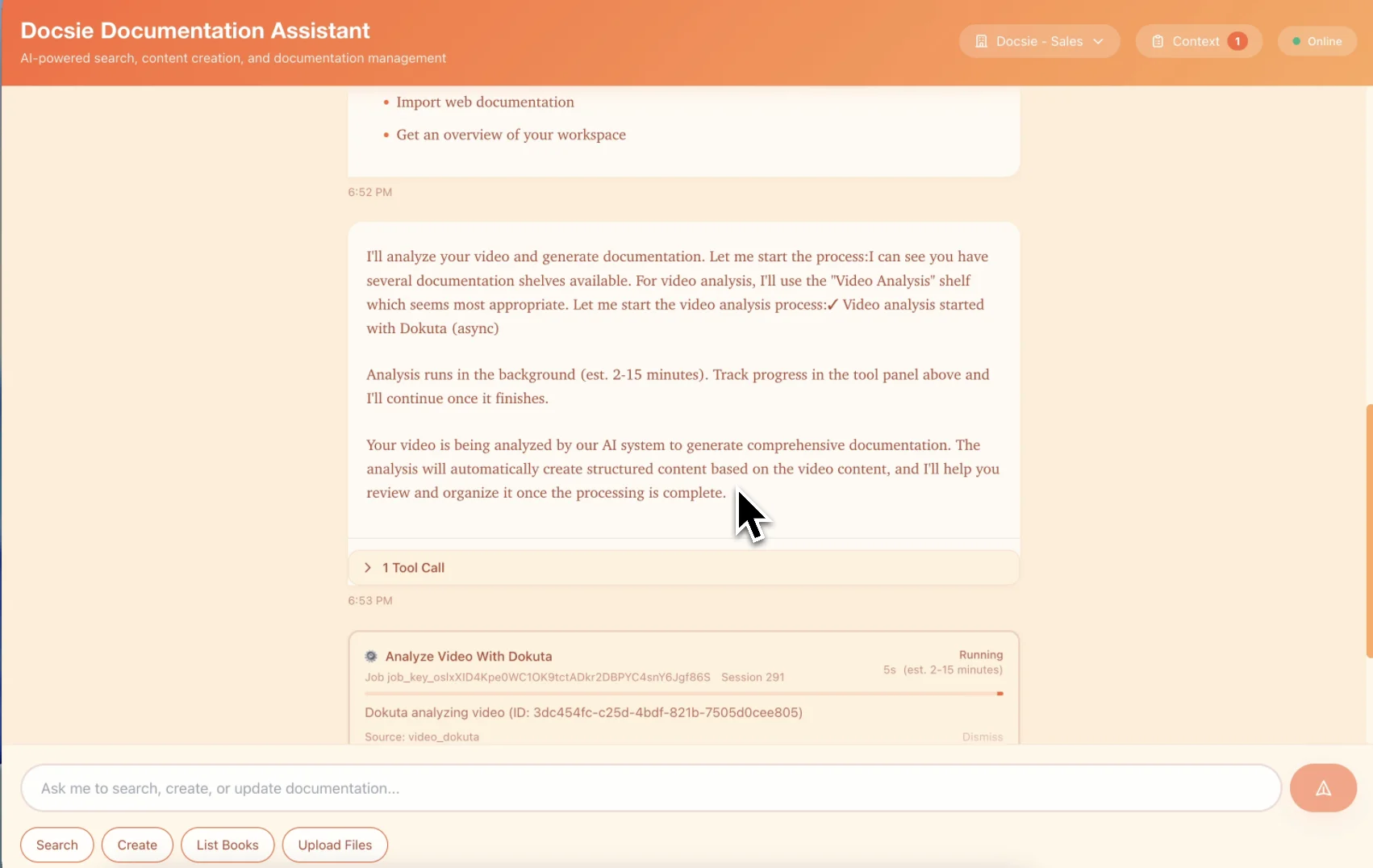
AI extracts process steps, system actions, and decision points—reads menu paths and form fields from the screen
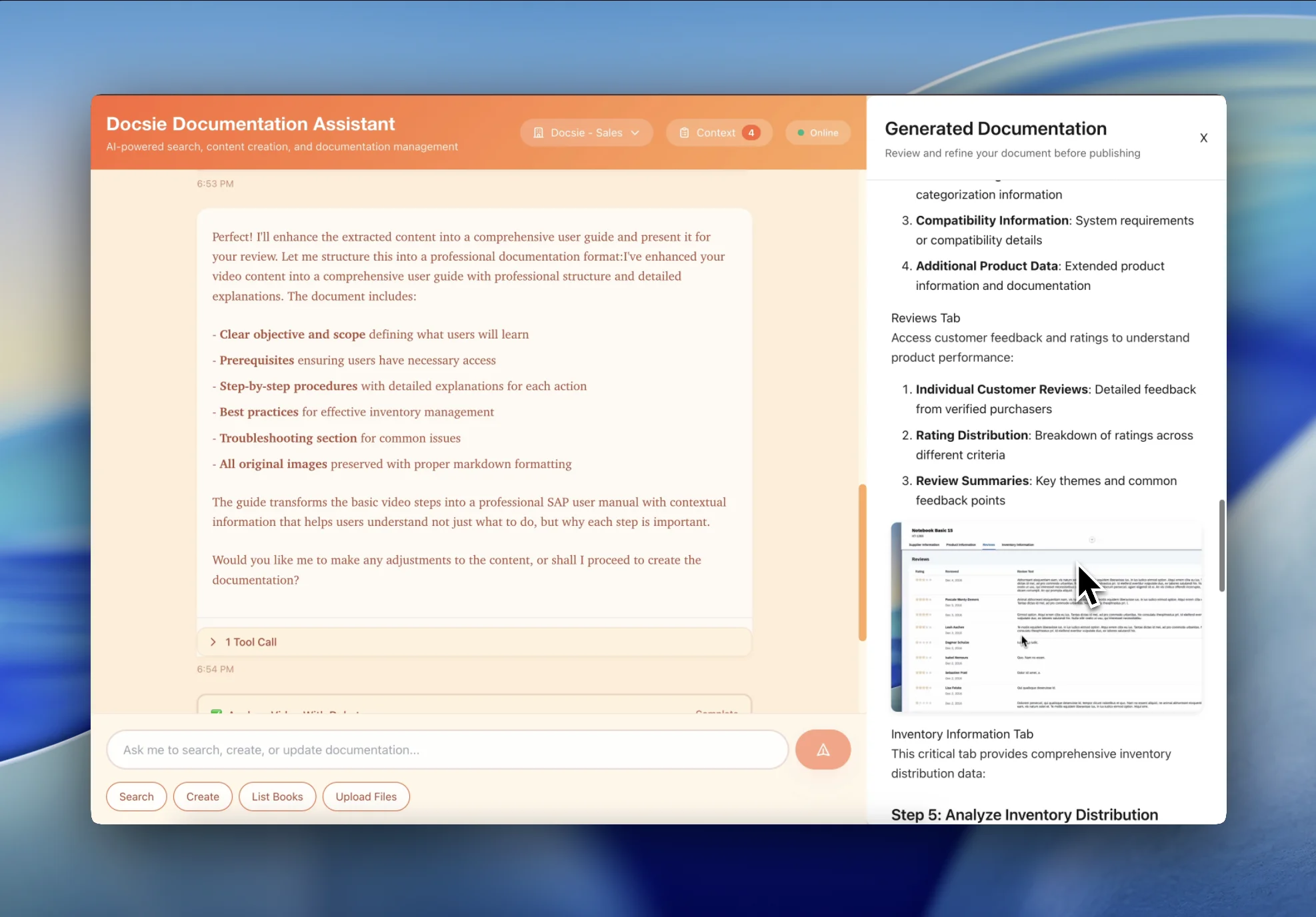
Get a written SOP with screenshots that anyone can follow—organized by department and linked to related procedures
See how operations teams turn process videos into permanent SOPs
Transform the finance team's 'how we do month-end close' screencast into written procedures. New accountants follow documented steps instead of asking the same questions every month.
Turn fulfillment, procurement, and administrative process videos into written SOPs. Operations runs consistently even when the expert who 'knows how' is on vacation.
Convert HR onboarding, benefits administration, and administrative processes into written procedures. New HR staff follow documented processes instead of learning through trial and error.
Written SOPs that preserve institutional knowledge
AI structures content as proper SOPs—purpose, scope, prerequisites, step-by-step procedures, and related documents
Reads ERP, CRM, and HRIS screens from video—documents menu paths, button clicks, and form fields with exact labels
Extracts decision points and branches from process explanations—creates visual flowcharts alongside written procedures
Employees search for processes by name, system, or department and find relevant SOPs instantly
Captures key screens from process videos—shows exactly what the system looks like at each step
Update SOPs when processes change—track what changed, who changed it, and when
Watch how Docsie Copilot analyzes both audio and video—seeing UI elements, reading on-screen text, and capturing code—to create structured documentation
No credit card required • 14-day free trial
Common Questions
Everything you need to know about converting process videos to SOPs
Q: Can this read our ERP/CRM screens and document the exact menu paths?
A: Yes. Docsie reads menu labels, button text, and form fields from your screen recording. It documents the exact click path through NetSuite, SAP, Salesforce, Workday, or any system you record.
Q: How does this help when our 'process expert' leaves the company?
A: Before they leave, have them record themselves doing key processes. Docsie converts these recordings into written SOPs that preserve their knowledge permanently. No more 'only Sarah knows how to do that.'
Q: Can we organize SOPs by department or business function?
A: Yes. Create separate documentation portals for Finance, Operations, HR, etc.—each with their own SOPs organized by process area. Employees see only the procedures relevant to their role.
Q: What if our internal processes change?
A: Edit the text and screenshots directly—no need to re-record the entire process video. This is much faster than maintaining video-based documentation when systems and procedures evolve.
Q: Can we track who changed what in our SOPs?
A: Yes. Full version history shows what changed, who changed it, and when. Essential for audit trails and knowing which version of a procedure was in effect at any point in time.
Still have questions?
Book a DemoWorks with any screen recording tool your team uses

Upload Loom process recordings
Teams meeting recordings with screen share
OBS, Camtasia, ScreenFlow, Snagit
MP4, WebM, MOV from any source
Start creating professional documentation that your users will love