4.8
on G2
Sign In
Transform Loom screen recordings into searchable process docs and SOPs. Perfect for remote teams documenting async workflows, support teams creating troubleshooting guides, and operations documenting internal processes.

Watch It Work
See how Loom screen recordings become step-by-step guides your team can search
Join forward-thinking teams using Docsie to transform video content into searchable documentation






_Leader_Small-Business_Leader.svg)


_BestSupport_Small-Business_QualityOfSupport.svg)

Async video libraries become searchable knowledge repositories
Why Docsie is Different
Most tools just convert speech to text. Docsie's multimodal AI actually watches your videos—reading on-screen text, identifying UI elements, and understanding visual context.
AI watches and understands video content—reads on-screen text, identifies UI elements, detects visual changes, and understands what's happening in each frame
Correlates what's being said with what's being shown. Understands technical terminology, product names, and industry jargon—no more 'sequel' instead of 'SQL'
Identifies important visual moments—UI changes, diagram reveals, key screens—and captures them as illustrations correlated with text
Simple Process
Powered by Docsie Copilot's agentic AI system
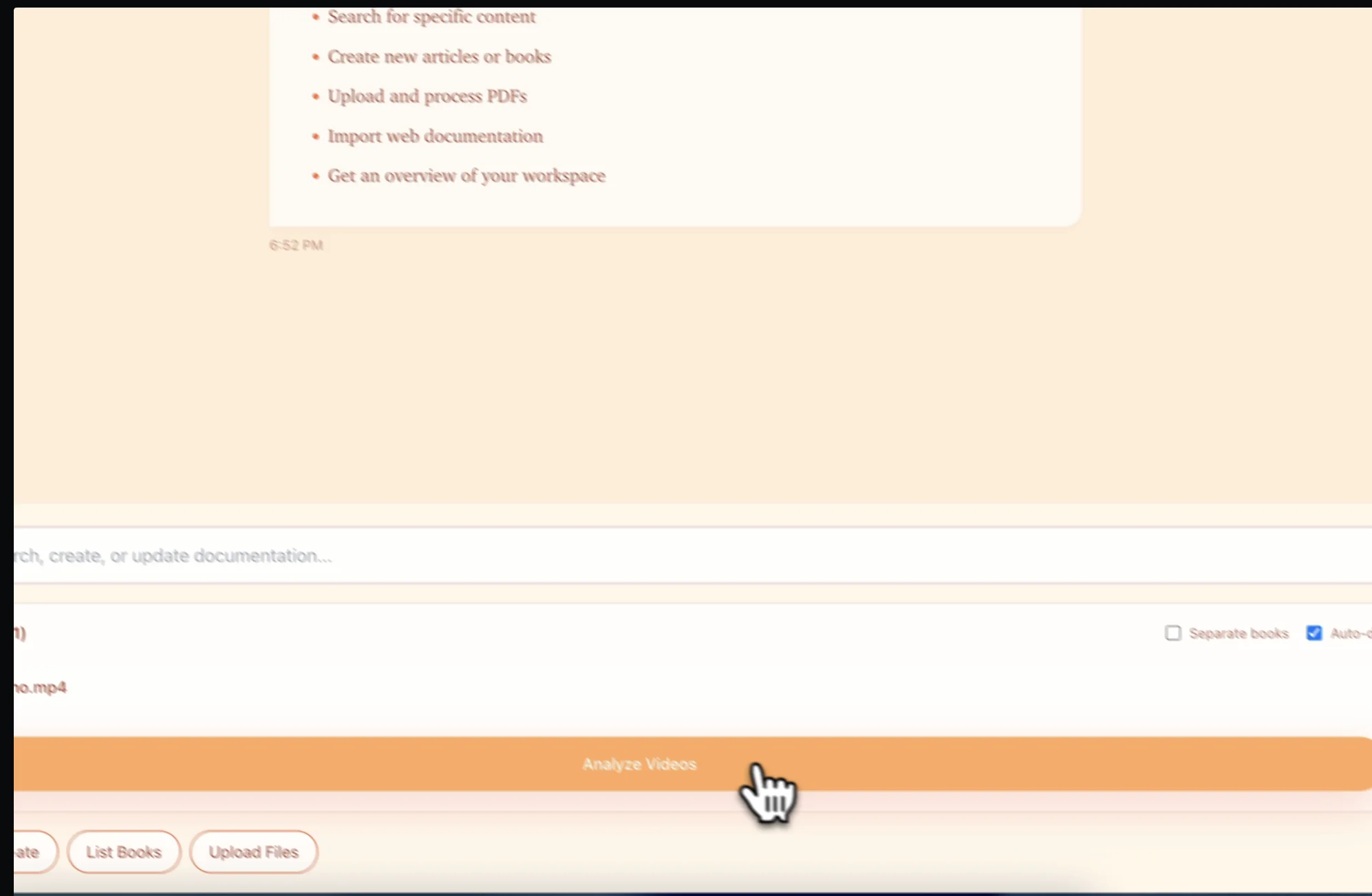
Download your Loom video and upload to Docsie. Supports MP4, WebM, and other formats from any screen recording tool
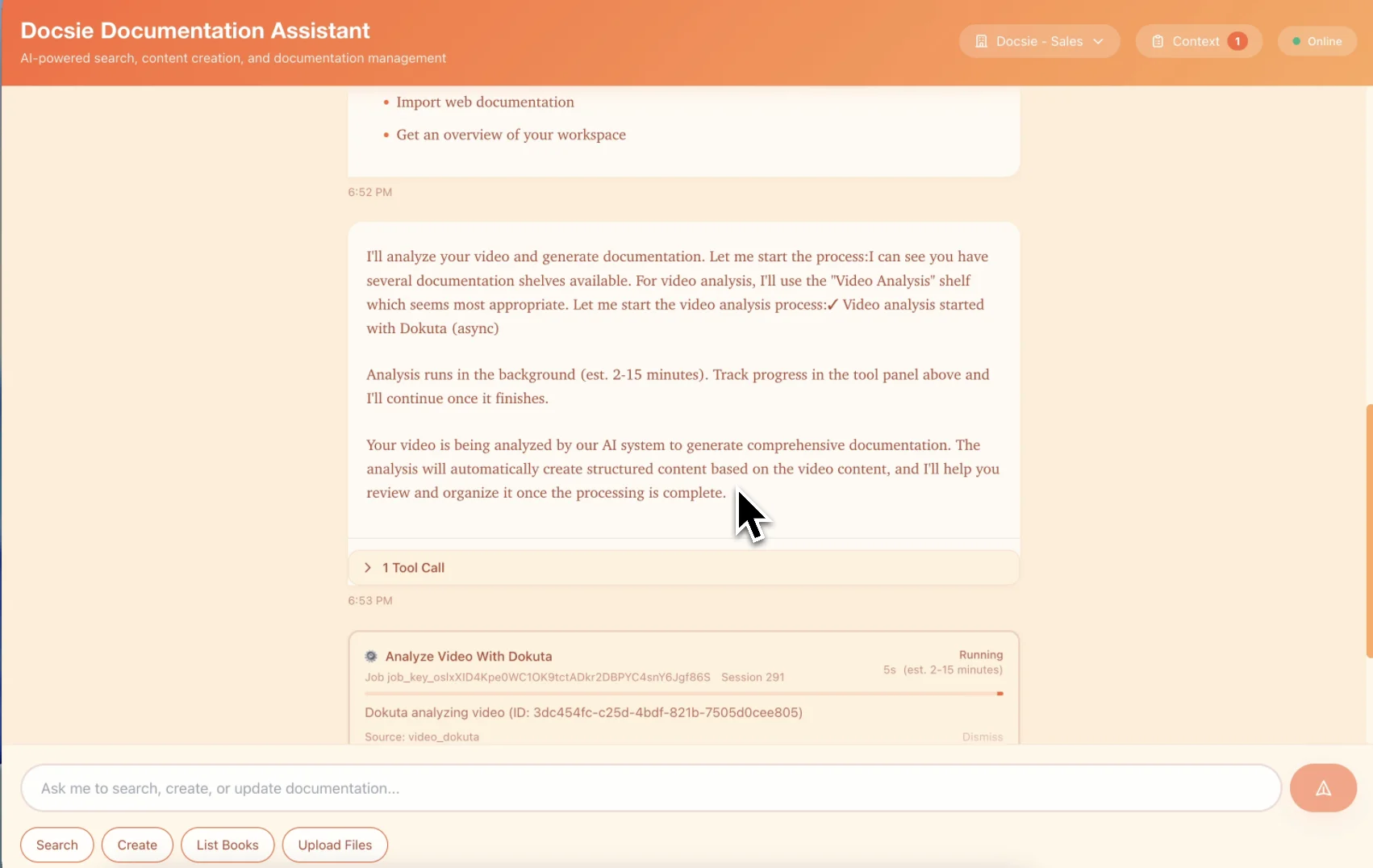
Computer vision detects every click and UI interaction. Creates numbered steps with screenshots automatically captured at the right moments
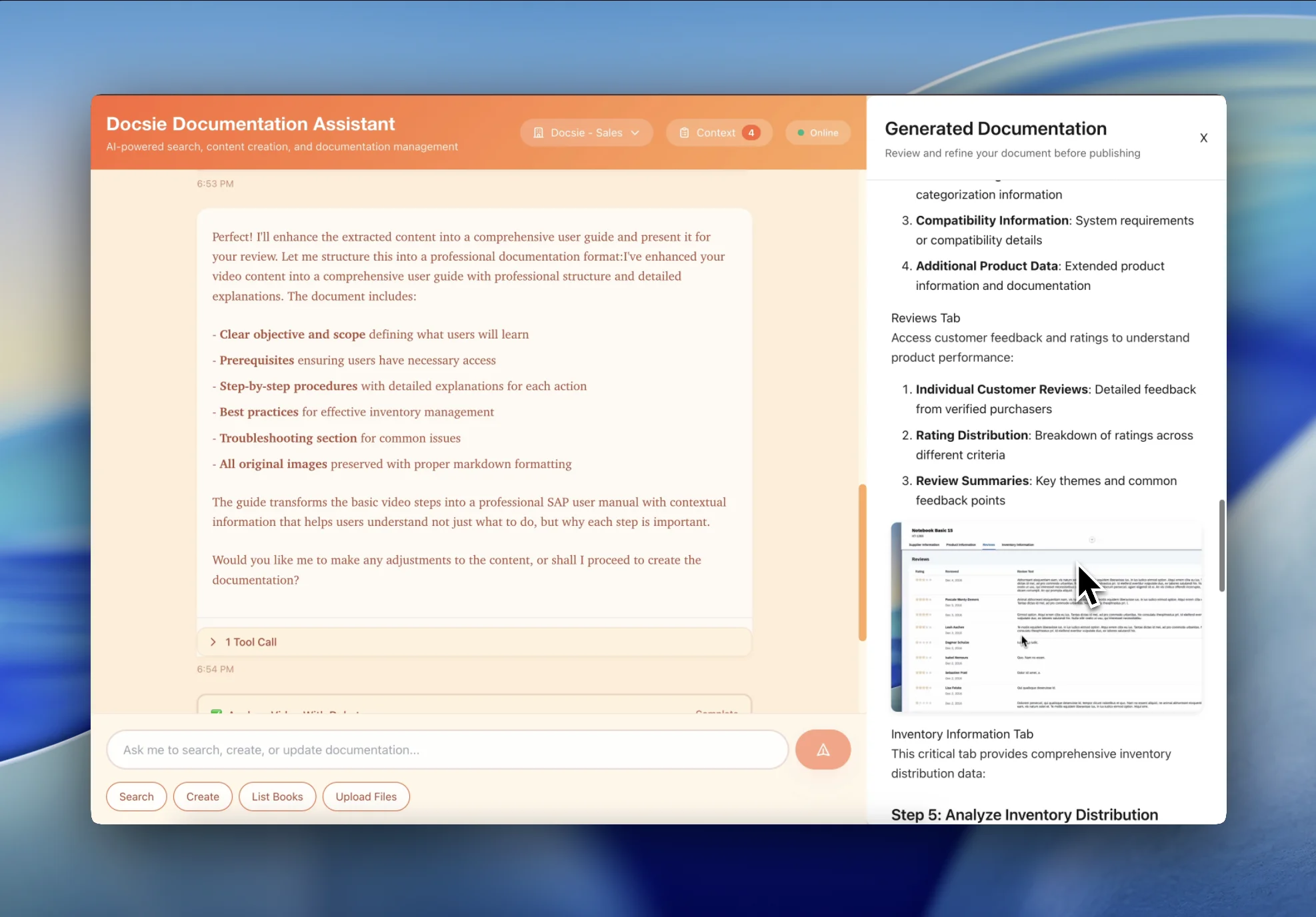
Get searchable process documentation your team can skim in 2 minutes instead of watching a 10-minute Loom. Publish to Docsie's knowledge base or embed anywhere
See how async-first teams turn Loom recordings into searchable documentation

Convert customer support Loom recordings into scannable help articles. Customers get step-by-step instructions they can follow at their own pace instead of scrubbing through videos.

Record a Loom showing how you do something, get permanent process documentation. Perfect for remote teams documenting workflows without scheduling sync calls.
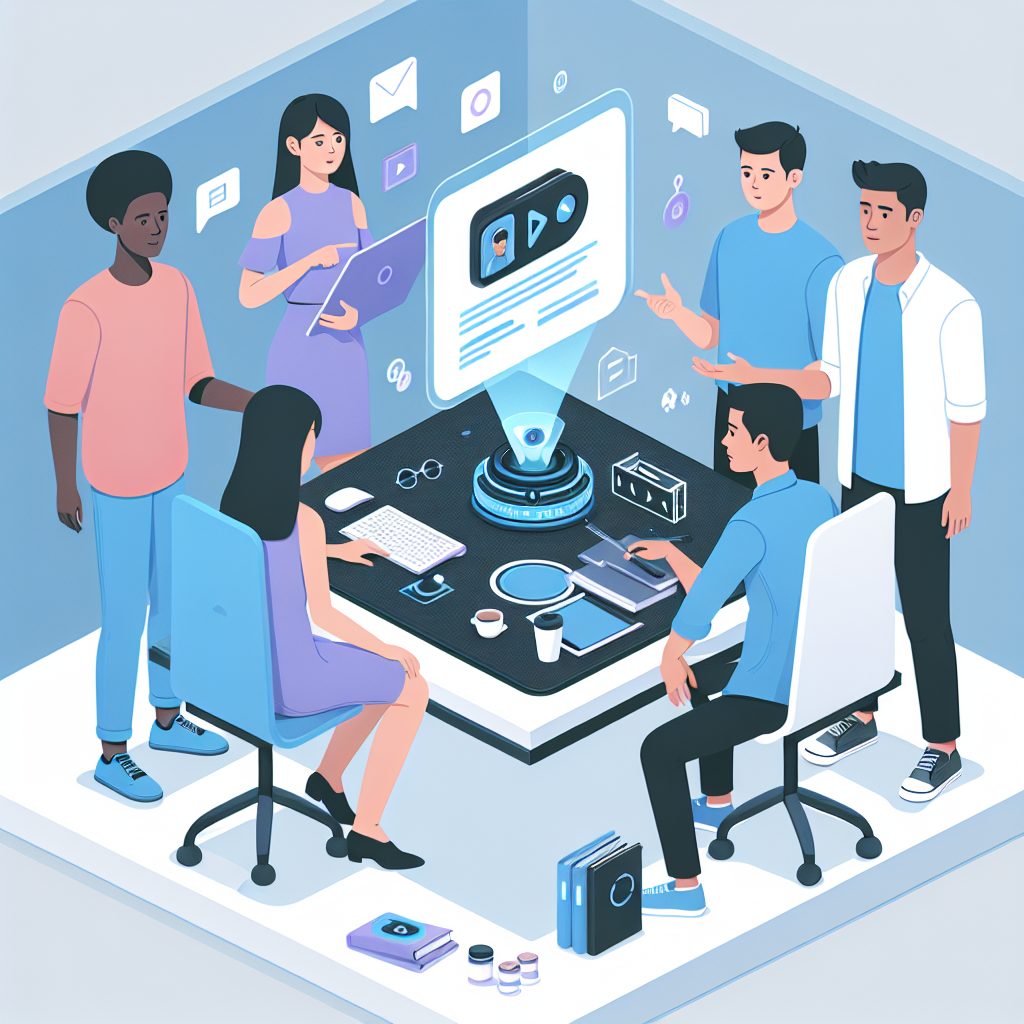
Your team has recorded 500+ Looms that are now impossible to find. Convert them into a searchable knowledge base your team can actually use.
Everything async teams need to turn Loom recordings into searchable process docs
Download your Loom recording and upload to Docsie. Supports MP4, WebM, MOV and other common formats
AI detects every click, menu selection, and UI action to create numbered step-by-step instructions automatically
Captures screenshots at key moments—button clicks, form fills, menu selections—with UI callouts and annotations
All your Loom docs become searchable in Docsie. Team finds "how to export CSV" in seconds instead of hunting through Slack
Embed your Docsie knowledge base in any website, intranet, or internal tool with a simple embed code
When processes change, edit the text and screenshots—no need to record a new Loom from scratch
Watch how Docsie Copilot analyzes both audio and video—seeing UI elements, reading on-screen text, and capturing code—to create structured documentation
No credit card required • 14-day free trial
Common Questions
Everything you need to know about converting Loom recordings to process docs
Q: How do I get my Loom recording into Docsie?
A: Download your Loom video (Loom makes this easy with one click), then upload the MP4 file to Docsie. We'll convert it to searchable documentation with step-by-step instructions and screenshots.
Q: Does it work with my existing Loom library?
A: Yes. Download and upload your existing Loom recordings to build a searchable knowledge base from all that process knowledge currently buried in Slack threads.
Q: What if my Loom has no audio narration?
A: No problem. Docsie's computer vision analyzes what's happening on screen—reading button labels, menu text, and form fields—to generate step-by-step instructions even without audio. The visual analysis is often more accurate than transcription.
Q: Where does the documentation live?
A: Documentation is published to your Docsie knowledge base. You can share direct links with your team, or embed the knowledge base in your website or intranet using Docsie's embed code.
Q: What happens when my process changes?
A: Unlike Looms that require complete re-recording, you can update individual steps and screenshots in your documentation. Edit one step, replace one screenshot, and republish—no need to record an entirely new Loom from scratch.
Still have questions?
Book a DemoDownload and upload recordings from any screen capture tool

Download Loom videos and upload to Docsie

Convert Vidyard screen recordings
CloudApp, Screencast-O-Matic, OBS, Camtasia
MP4, WebM, MOV from any recording tool
Start creating professional documentation that your users will love