4.8
on G2
Sign In
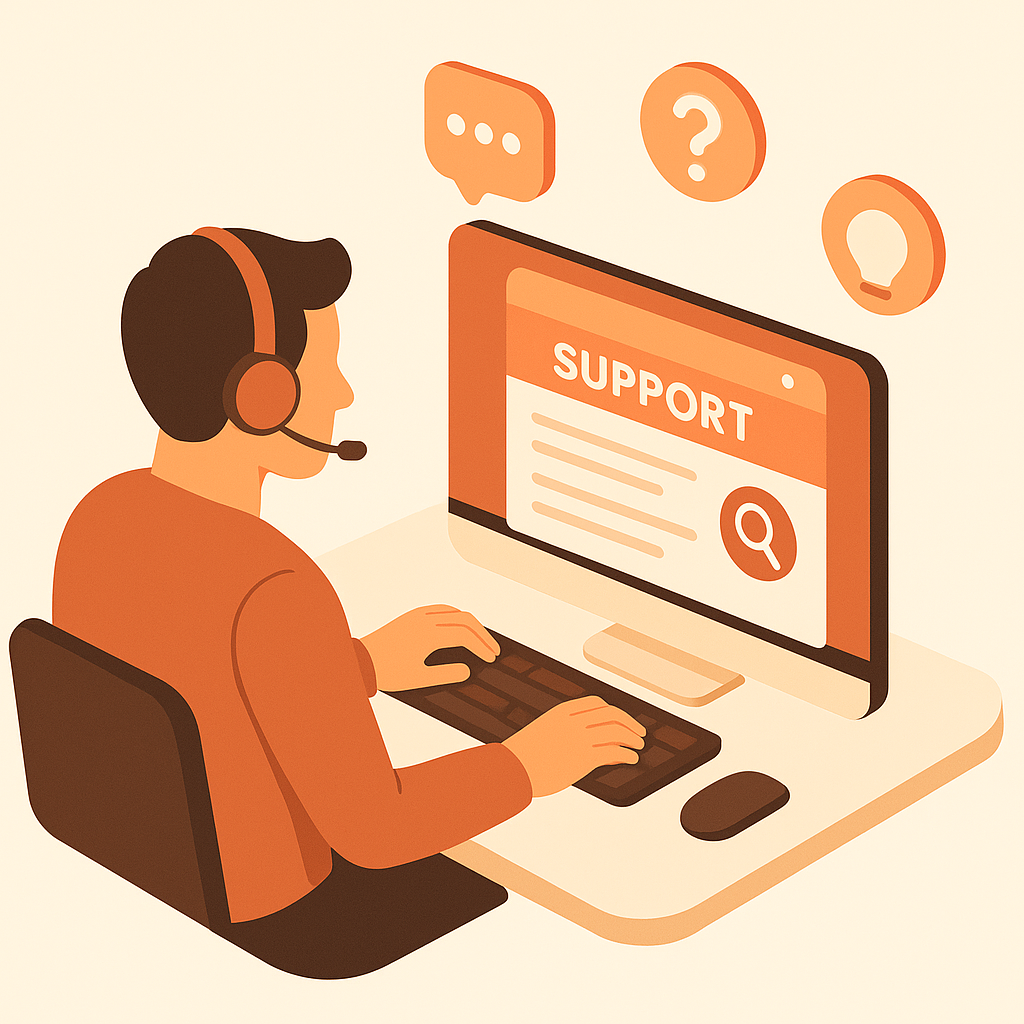
Transform support screen recordings into searchable help articles and troubleshooting documentation. Perfect for customer support teams, technical support engineers, and help desk operations.
Watch It Work
See how support recordings become searchable troubleshooting guides instantly
Join forward-thinking teams using Docsie to transform video content into searchable documentation






_Leader_Small-Business_Leader.svg)


_BestSupport_Small-Business_QualityOfSupport.svg)

Customers can't find answers in Loom videos—they open tickets instead
Support-Specific Features
Docsie doesn't just transcribe what agents say—it reads error messages, dialog boxes, and UI states shown on screen to create searchable troubleshooting guides.
AI reads error codes, exception messages, and dialog boxes shown on screen—indexes them for search so customers type the exact error and find the solution
Captures every click, menu selection, and configuration change from support screencasts—creates step-by-step guides with annotated screenshots
Customers describe symptoms and find solutions instantly. 'Checkout not loading' finds the right troubleshooting guide even if they don't know the error code
Simple Process
Powered by Docsie Copilot's support-focused AI
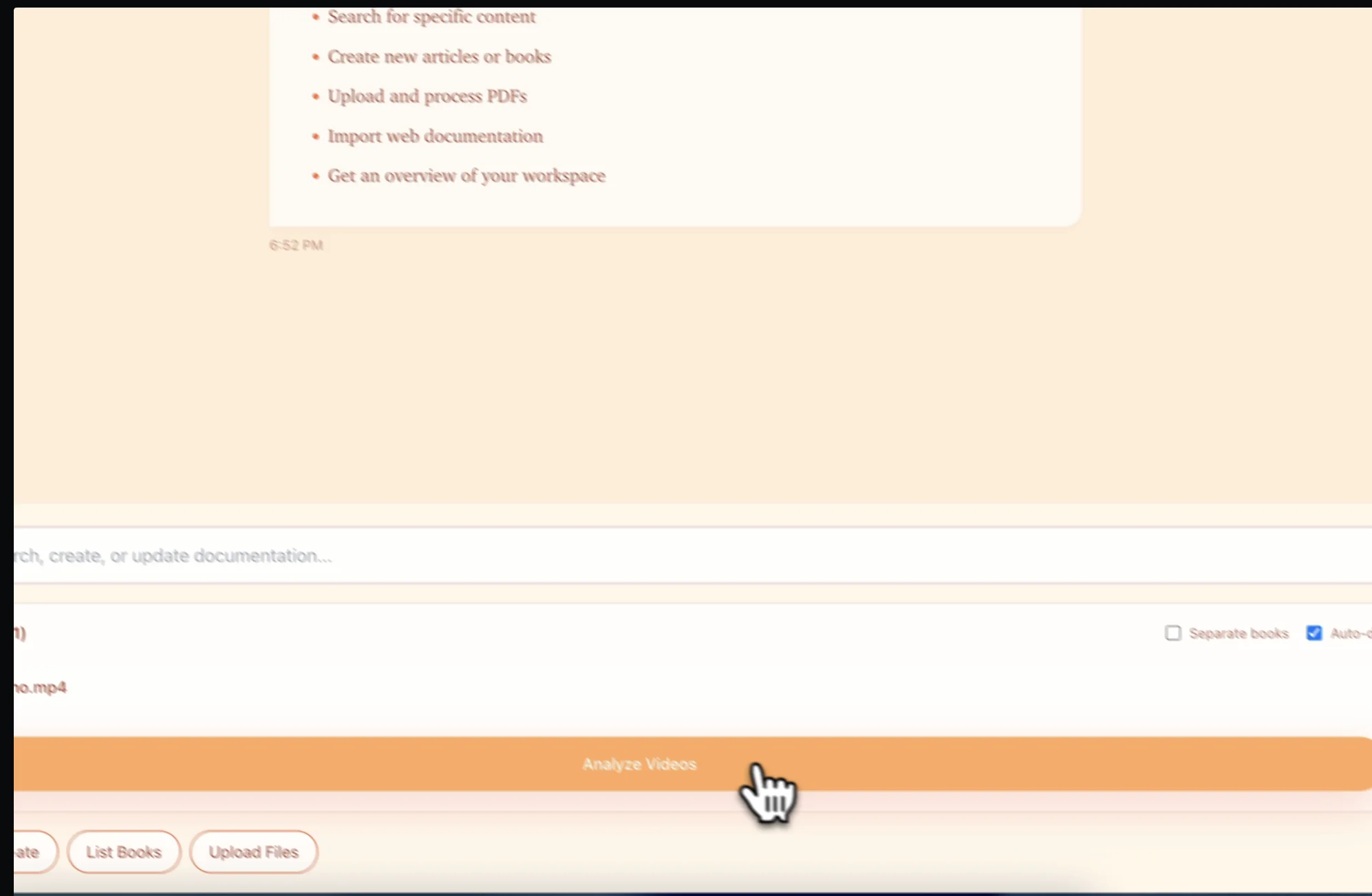
Upload your Loom, Zendesk, or screen recording of how you solved a customer issue. Any MP4, WebM, or screen capture format works
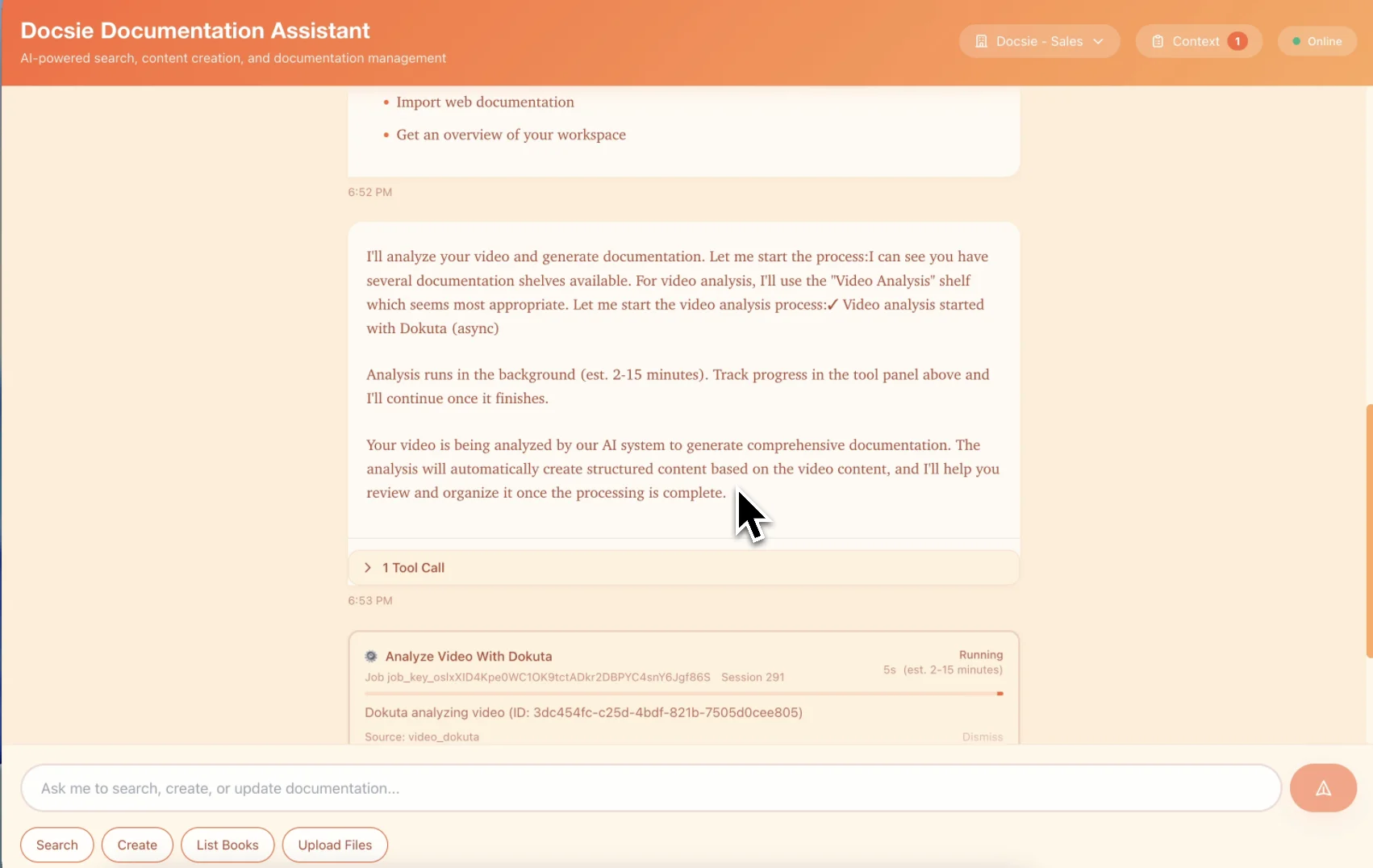
AI reads error messages from screen, captures resolution steps, and structures content as symptom → diagnosis → solution
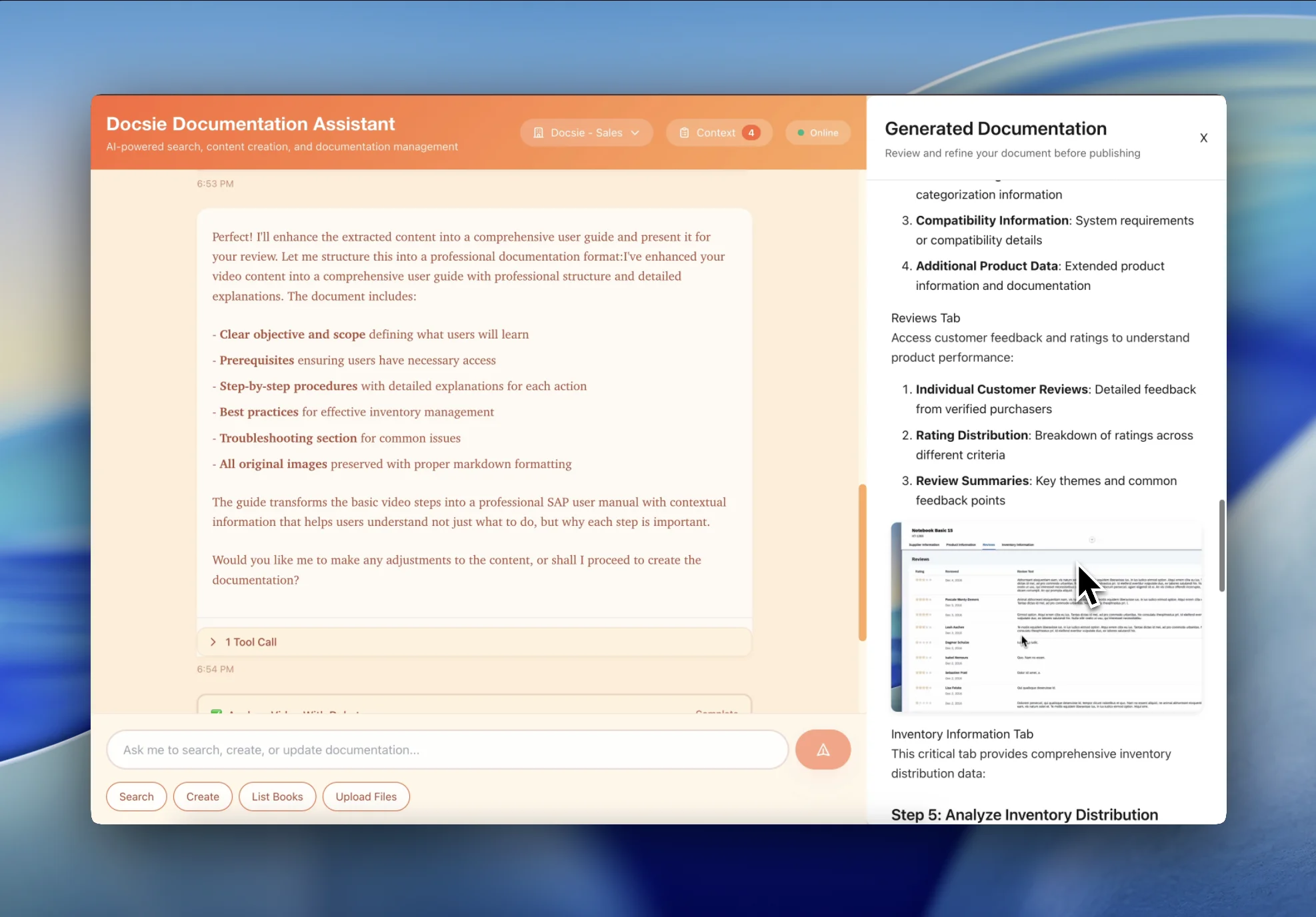
Get a searchable help article customers can find instead of opening tickets. Indexed by error message and symptom
See how support teams convert screen recordings into self-service help articles

Transform your 'How I Fixed This' screencasts into structured troubleshooting guides. Customers search by error message and find the solution instead of waiting for support.

Every time you solve an issue on a call, record your screen. Docsie turns it into a help article so the next customer finds the answer without opening a ticket.
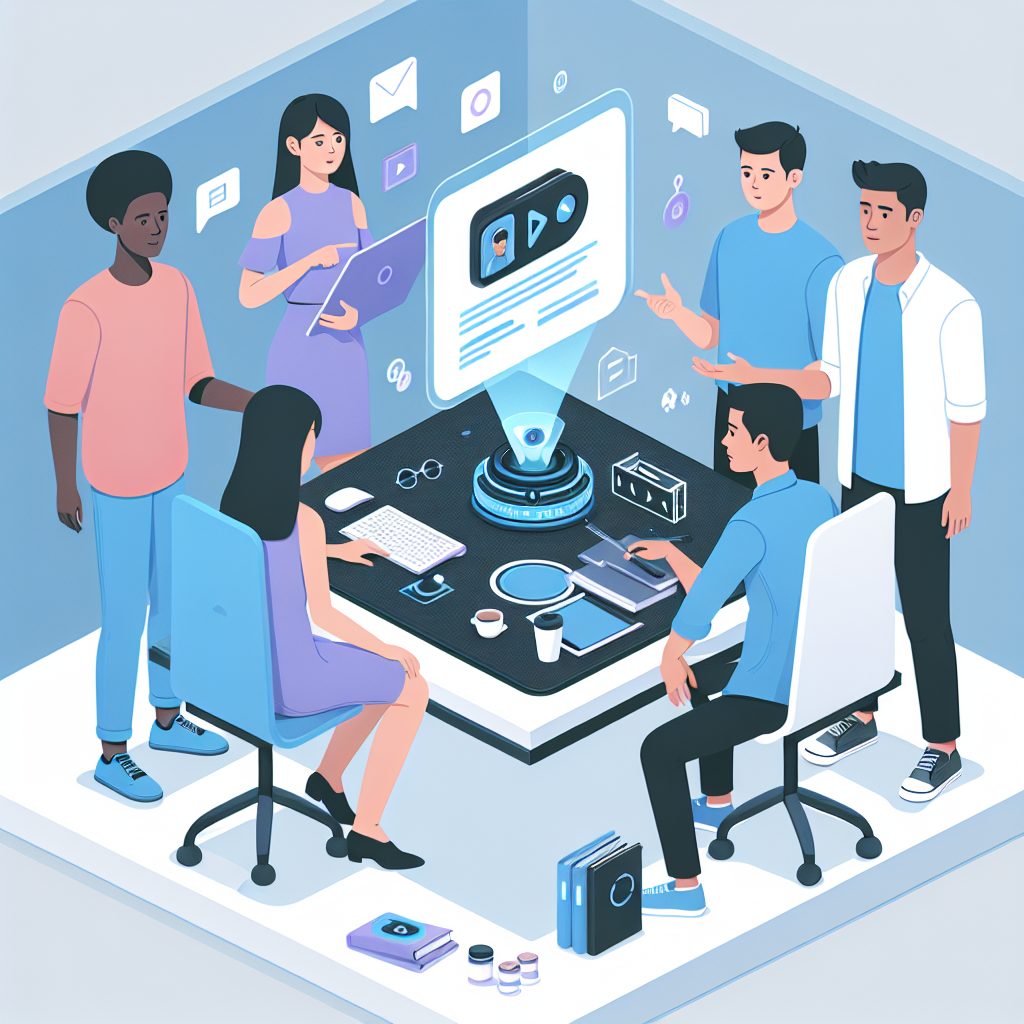
Convert experienced agent screencasts into training documentation. New agents learn from documented real-world troubleshooting instead of shadowing for weeks.
Self-service help articles that reduce ticket volume
AI reads error codes from screen recordings and indexes them for search—customers type the exact error and find the solution
Automatic extraction of troubleshooting steps with screenshots showing exactly where to click and what to configure
Customers search by symptom description ("checkout not loading") and find relevant solutions without knowing technical error codes
Turn every solved issue into a help article—reduce repeat tickets by 40-60% with documented self-service solutions
Capture key moments from screencasts as annotated screenshots showing dialog boxes, settings, and resolution steps
When the product changes, update the text documentation—no need to re-record screencasts for every UI change
Watch how Docsie Copilot analyzes both audio and video—seeing UI elements, reading on-screen text, and capturing code—to create structured documentation
No credit card required • 14-day free trial
Common Questions
Everything you need to know about converting support recordings to help articles
Q: How much can this reduce our support ticket volume?
A: Most support teams see 40-60% reduction in repeat tickets for documented issues within the first month. Every screencast you convert becomes a self-service solution customers find instead of opening tickets.
Q: Can customers search by error message to find solutions?
A: Yes. Docsie reads error messages displayed on screen during your screencast and indexes them for search. Customers type the exact error code and find the relevant troubleshooting guide instantly.
Q: How does this work with Loom recordings?
A: Download your Loom recording and upload to Docsie. The AI extracts the troubleshooting steps, reads any error messages shown on screen, and creates a structured help article you can publish to your help center.
Q: Can I publish these directly to our help center?
A: Yes. Docsie can host your help articles directly, or you can export the content to your existing help center (Zendesk, Intercom, Freshdesk, etc.). The articles are formatted for help center publishing.
Q: What if our product UI changes after we create the documentation?
A: Update the text and screenshots directly in Docsie—no need to re-record the screencast. This is much faster than maintaining video documentation when your product evolves.
Still have questions?
Book a DemoWorks with all major screen recording and support platforms

Upload Loom screen recordings
Screen recordings from support platforms
OBS, Camtasia, ScreenFlow, CloudApp
MP4, WebM, MOV from any source
Start creating professional documentation that your users will love