4.8
on G2
Sign In
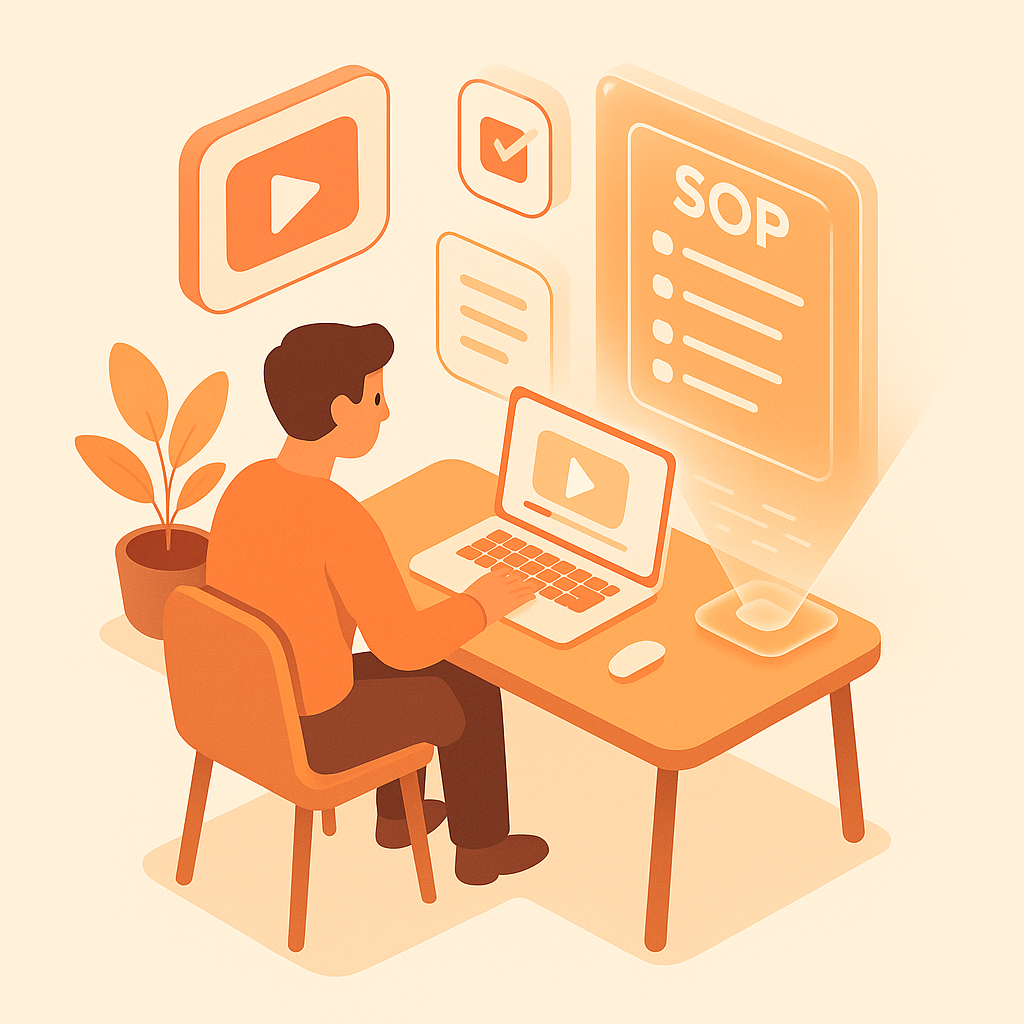
Transform training videos into searchable guides, learning materials, and employee documentation. Perfect for L&D teams, corporate training departments, and educational organizations.
Watch It Work
See how training videos become searchable learning materials instantly
Join forward-thinking teams using Docsie to transform video content into searchable documentation






_Leader_Small-Business_Leader.svg)


_BestSupport_Small-Business_QualityOfSupport.svg)

Training videos aren't searchable—employees can't reference them later
Why Docsie is Different
Most tools just convert speech to text. Docsie's multimodal AI actually watches your videos—reading on-screen text, identifying UI elements, and understanding visual context.
AI watches and understands video content—reads on-screen text, identifies UI elements, detects visual changes, and understands what's happening in each frame
Correlates what's being said with what's being shown. Understands technical terminology, product names, and industry jargon—no more 'sequel' instead of 'SQL'
Identifies important visual moments—UI changes, diagram reveals, key screens—and captures them as illustrations correlated with text
Simple Process
Powered by Docsie Copilot's agentic AI system
Drop your onboarding video, compliance training, or L&D content into Docsie. Supports MP4, MOV, WebM and links from your LMS or video platform
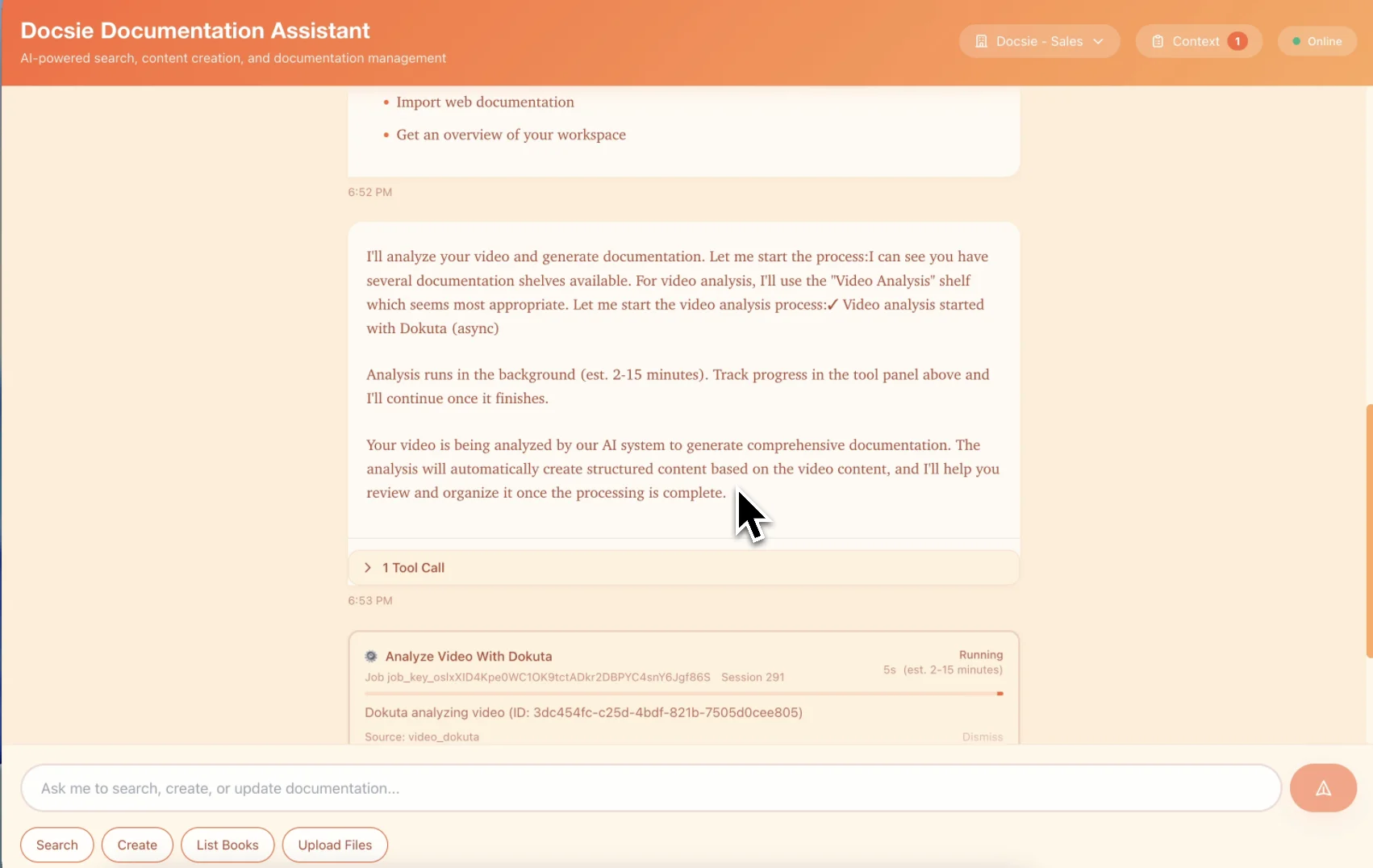
Multimodal AI identifies step-by-step procedures, policy references, and key learning points—organizing content into searchable training documentation
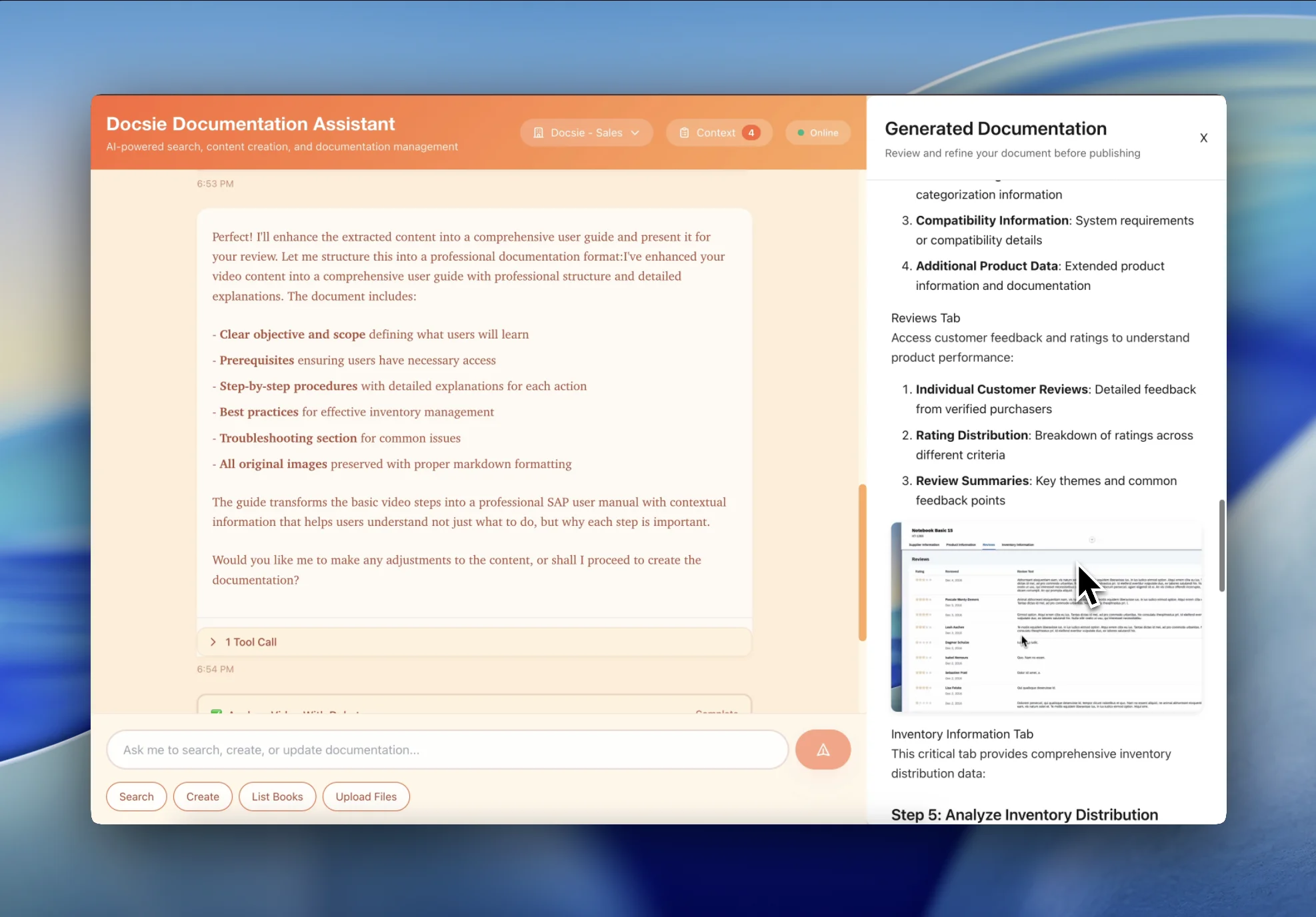
Get a searchable training guide employees can reference on-demand. Stop answering the same onboarding questions—point them to the docs
See how L&D teams transform training content into permanent knowledge resources

Transform multi-day onboarding video playlists into searchable employee handbooks. New hires reference specific policies and procedures instead of rewatching hours of orientation videos.

Convert mandatory compliance training into documented SOPs that satisfy auditors. Create permanent records of training content with version control and completion tracking.
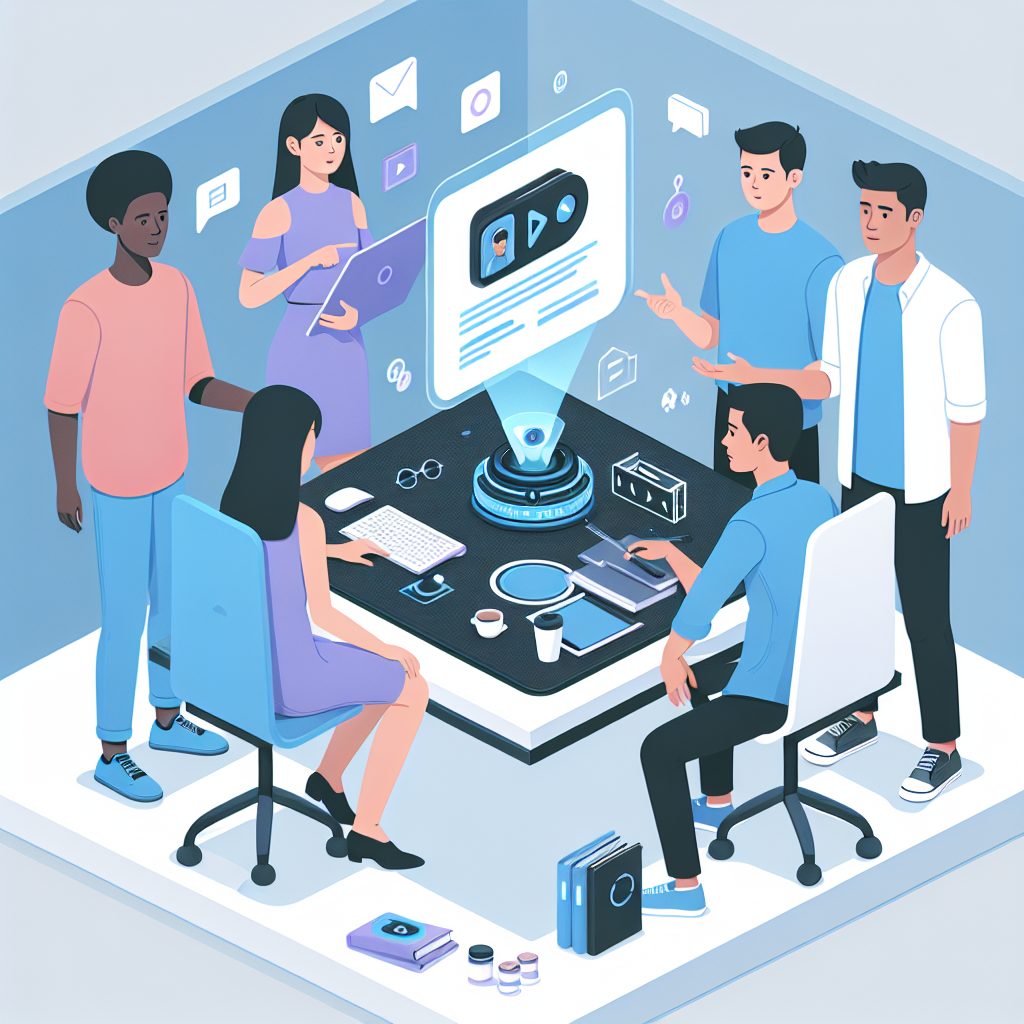
Turn software training sessions into searchable reference guides employees actually use. Stop answering 'how do I do X in Salesforce?' for the 100th time.
Everything L&D teams need to convert training videos into permanent learning resources
AI organizes training content into logical learning paths with prerequisites, modules, and assessments
Automatically identifies step-by-step procedures from training videos and formats them as numbered checklists
Convert training videos into documentation in 50+ languages for global workforce training
Employees search across all training documentation to find answers in seconds instead of rewatching videos
Generate audit-ready training documentation with version control and source video references
When training videos are updated, automatically flag outdated documentation sections for review
Watch how Docsie Copilot analyzes both audio and video—seeing UI elements, reading on-screen text, and capturing code—to create structured documentation
No credit card required • 14-day free trial
Common Questions
Everything you need to know about video-to-documentation conversion
Q: How is this different from basic transcription tools?
A: Most tools only convert speech to text. Docsie's multimodal AI actually watches and analyzes the video content—reading on-screen text, identifying UI elements, detecting code in IDEs, capturing key visual moments, and correlating what's said with what's shown. It's the difference between having a typist versus having an intelligent analyst watch your video.
Q: What video formats are supported?
A: We support all major video formats including MP4, MOV, AVI, WebM, MKV, and more. You can also provide YouTube URLs or links to videos hosted on other platforms.
Q: How long does the conversion process take?
A: Processing time varies by video length, but typically runs at about 15-20% of the video duration. A 30-minute video is usually ready in 5-10 minutes.
Q: How accurate is the transcription and visual analysis?
A: Our AI achieves 95%+ accuracy with clear audio and technical content. The visual analysis (OCR, UI element detection, code recognition) is similarly accurate and trained specifically on technical content, IDEs, and documentation scenarios.
Q: Can I edit the generated documentation?
A: Absolutely! The AI-generated documentation serves as a solid first draft that you can edit, refine, and customize using Docsie's built-in editor. All formatting and structure is preserved.
Still have questions?
Book a DemoCompatible with major LMS platforms and training video formats

Process training playlists and corporate channels

Convert Vimeo training libraries
Cornerstone, Workday Learning, SAP SuccessFactors exports
MP4, AVI, WebM, MOV from any training platform
Start creating professional documentation that your users will love