4.8
on G2
Sign In
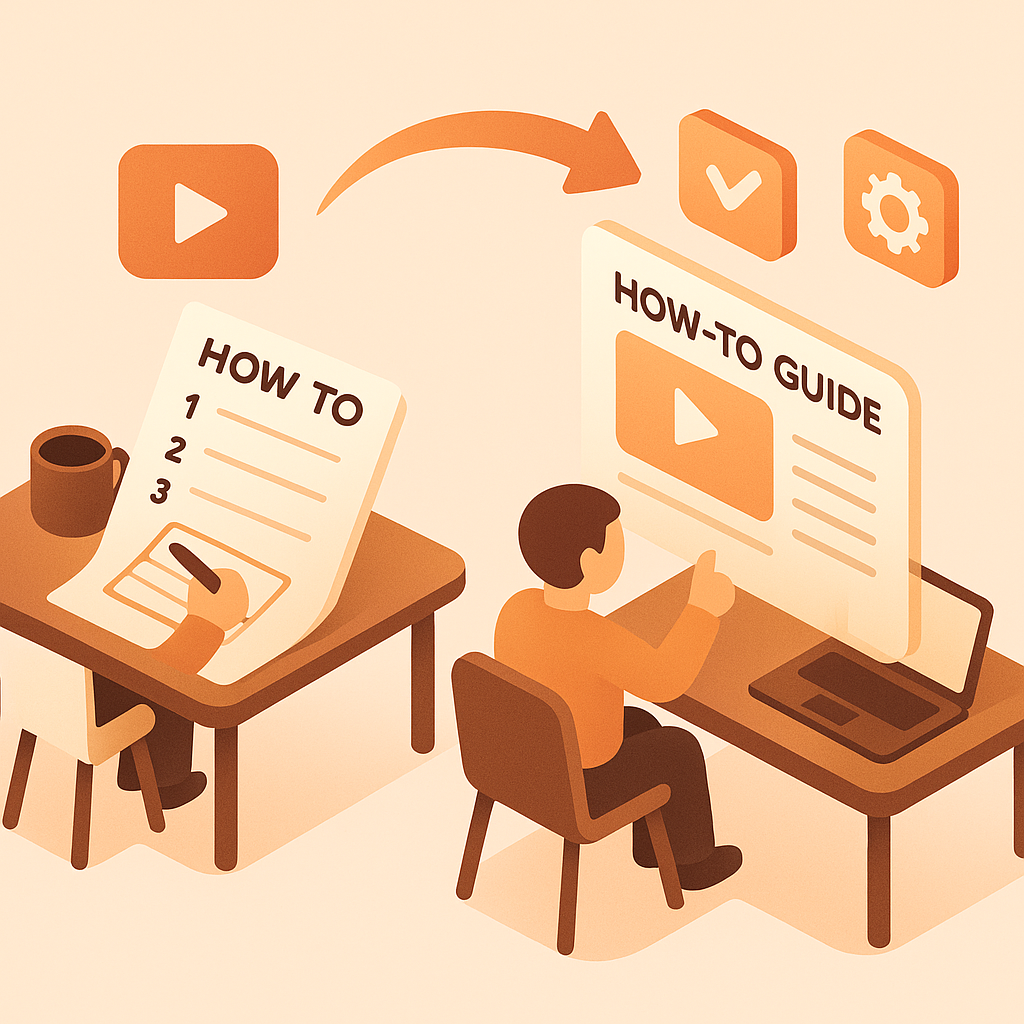
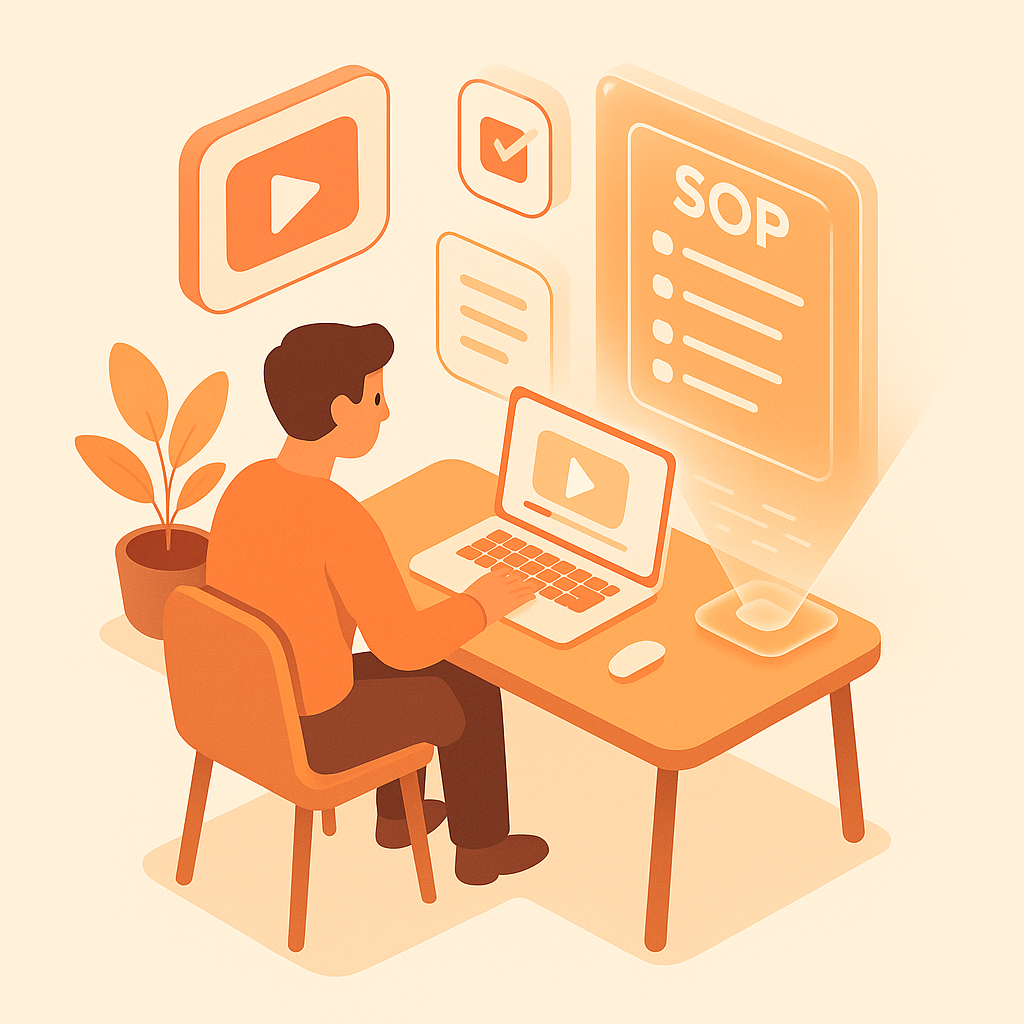
Transform implementation walkthroughs and training sessions into professional client documentation. Perfect for agencies, consultants, and implementation teams delivering polished documentation packages to clients.

Watch It Work
See how project walkthroughs become professional client documentation packages
Join forward-thinking teams using Docsie to transform video content into searchable documentation






_Leader_Small-Business_Leader.svg)


_BestSupport_Small-Business_QualityOfSupport.svg)

Implementation videos become professional client deliverables
Built for Consultants
Docsie creates polished documentation packages that impress clients—with professional formatting, role-based guides, and technical specifications extracted from your implementation videos.
Generates polished documentation with consistent formatting, headers, and structure that's ready to hand to enterprise clients without additional cleanup
Automatically separates content into admin guides, end-user manuals, and technical specs—creating complete documentation packages from training videos
Identifies custom fields, integration points, business logic, and configuration settings shown in implementation videos—documents what you actually built
Simple Process
Powered by Docsie Copilot's agentic AI system
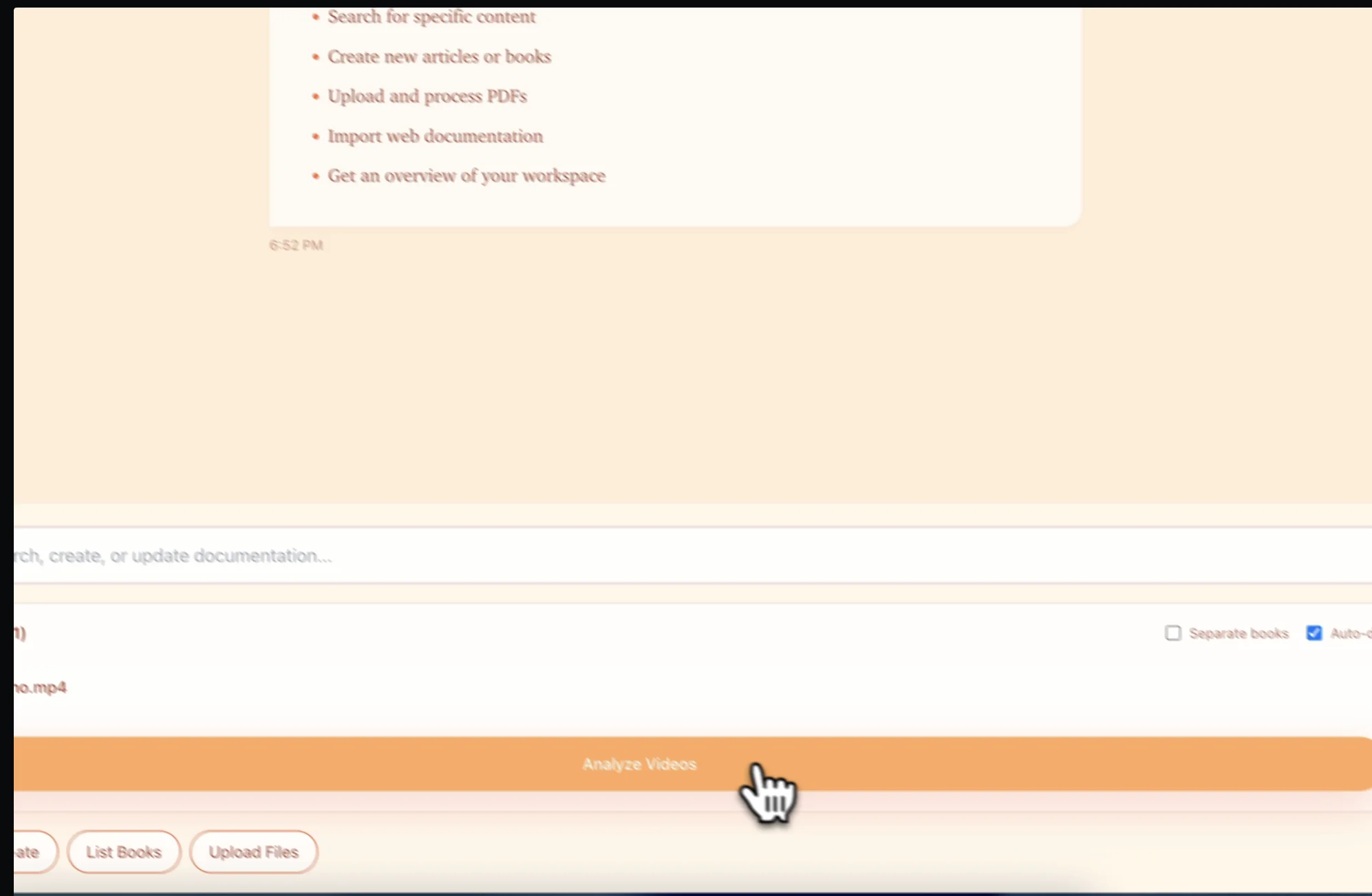
Upload your Salesforce/Workday/SAP implementation recordings, training sessions, or project handoff videos. Supports MP4, MOV, WebM
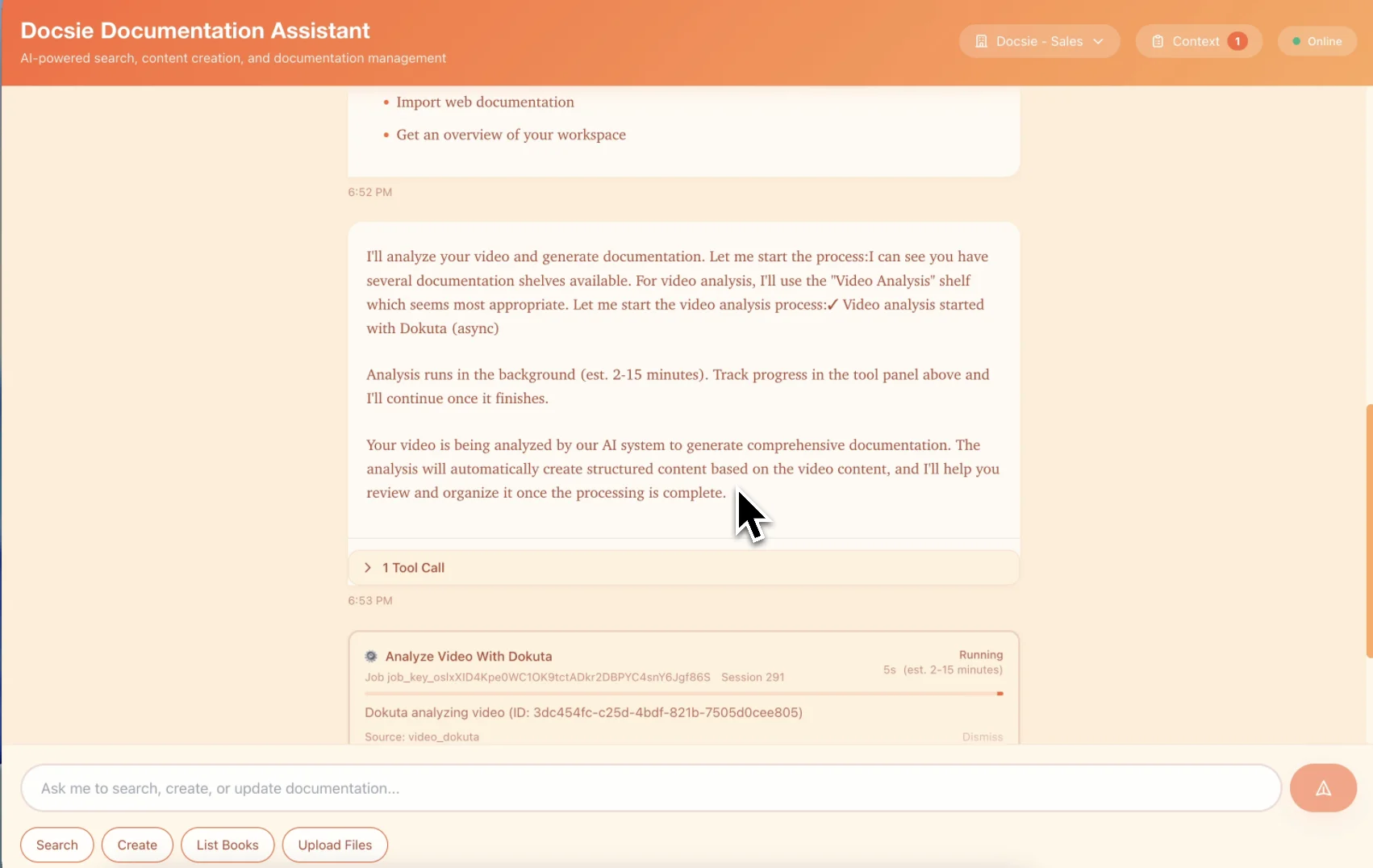
Multimodal AI extracts configuration details, creates role-based guides, and formats professional documentation ready for client delivery
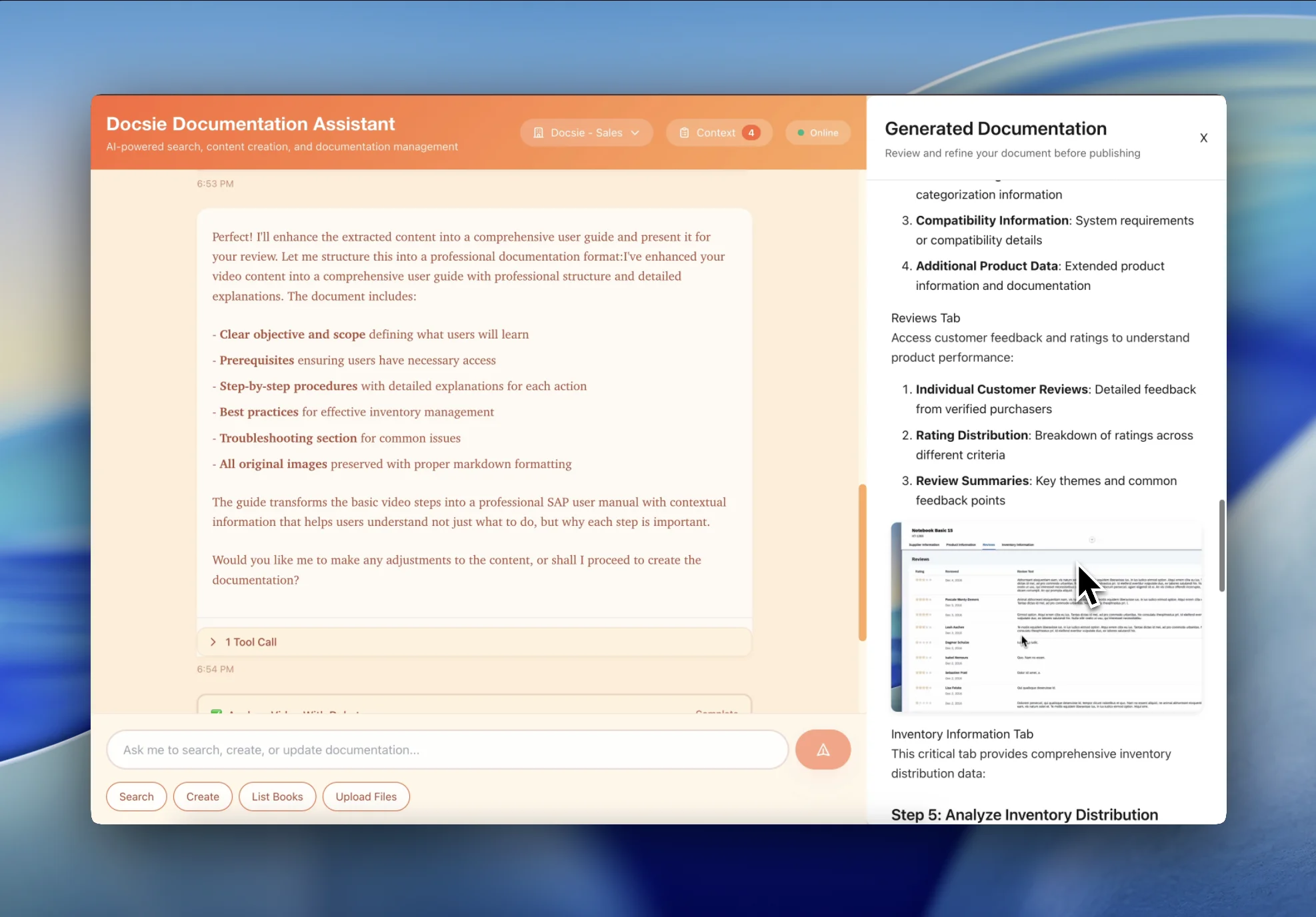
Add client branding, customize formatting, and deliver a complete documentation package—system guides, training manuals, and technical specs
See how consultants and agencies transform project videos into professional client documentation

Transform Salesforce/Workday/SAP implementation walkthroughs and configuration videos into comprehensive system documentation for client handoff. Perfect for consultants delivering professional documentation packages.

Turn end-user training sessions and admin training videos into polished training manuals with step-by-step instructions, role-based guides, and quick reference cards for client teams.
Convert project handoff sessions and knowledge transfer videos into structured documentation packages covering custom development, integrations, and ongoing maintenance procedures.
Everything you need to convert project videos into professional client documentation
Generate polished, client-ready documentation with consistent formatting, branding, and professional structure
Automatically organize content by user role—admin guides, end-user manuals, technical specifications
Create complete documentation sets including training manuals, system guides, and quick reference materials
Generate fully searchable documentation that clients can host on their own portals or intranets
Automatically capture and format system screenshots, configuration screens, and workflow diagrams
Identify and document configuration settings, custom fields, integrations, and technical implementation details
Watch how Docsie Copilot analyzes both audio and video—seeing UI elements, reading on-screen text, and capturing code—to create structured documentation
No credit card required • 14-day free trial
Common Questions
Everything you need to know about converting project videos to client deliverables
Q: Can I brand the documentation with client logos and formatting?
A: Yes. The AI-generated documentation can be customized with your client's branding, logo, color scheme, and formatting preferences. You maintain full control over the final deliverable appearance while saving hours on content creation.
Q: Can I bill clients for documentation if AI generated it?
A: Absolutely. You're delivering professional documentation that meets client contractual requirements—how you create it efficiently is your competitive advantage. Most consultants include documentation deliverables in project scope and use Docsie to ensure profitability instead of scrambling to write docs after the project budget is spent.
Q: How does this handle implementation-specific details like custom fields and integrations?
A: Docsie's visual AI watches your implementation walkthroughs and identifies custom fields, configuration settings, integration points, and business logic. It documents what you built specifically for this client—not generic product documentation.
Q: Is the documentation professional enough to hand to enterprise clients?
A: Yes. The AI generates structured, professionally formatted documentation that you can customize and polish. Many implementation consultants use Docsie to create the initial comprehensive draft, then refine specific sections—delivering better documentation in 90% less time.
Q: Can I create role-based documentation for different client user groups?
A: Yes. The AI can organize content by role—creating separate admin guides, end-user manuals, and technical specifications from the same training videos. This gives clients comprehensive documentation packages tailored to different user audiences.
Still have questions?
Book a DemoCompatible with consulting and implementation video sources

Zoom client call and training session recordings

Microsoft Teams implementation meeting recordings
System walkthroughs from any screen recording tool
MP4, MOV, WebM from any project recording
Start creating professional documentation that your users will love