4.8
on G2
Sign In
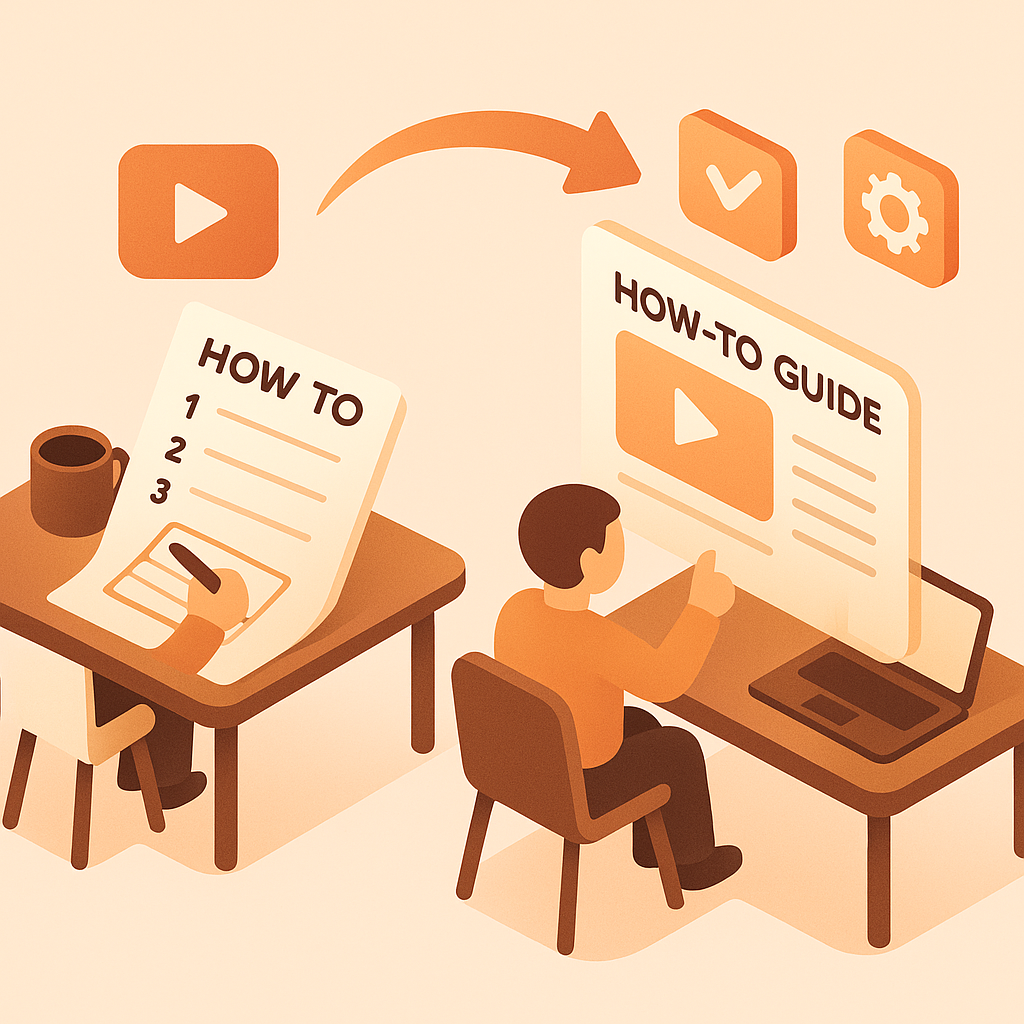
Transform webinars, training videos, and tutorials into searchable knowledge base articles. Perfect for support teams, product teams, and content creators building self-service knowledge bases.

Watch It Work
See how webinars and tutorials become categorized knowledge base articles
Join forward-thinking teams using Docsie to transform video content into searchable documentation






_Leader_Small-Business_Leader.svg)


_BestSupport_Small-Business_QualityOfSupport.svg)

Training videos become searchable, categorized KB articles
Built for Knowledge Bases
Docsie creates structured knowledge base articles with categories, FAQs, and cross-links—not just raw transcripts that nobody can search.
One 60-minute webinar becomes 8-10 focused KB articles by topic. Each article is discoverable and searchable on its own
AI identifies Q&A patterns in your videos and automatically creates FAQ sections—every question answered in videos becomes searchable
AI identifies related topics and creates cross-links between KB articles—users discover related content without manual linking
Simple Process
Powered by Docsie Copilot's agentic AI system
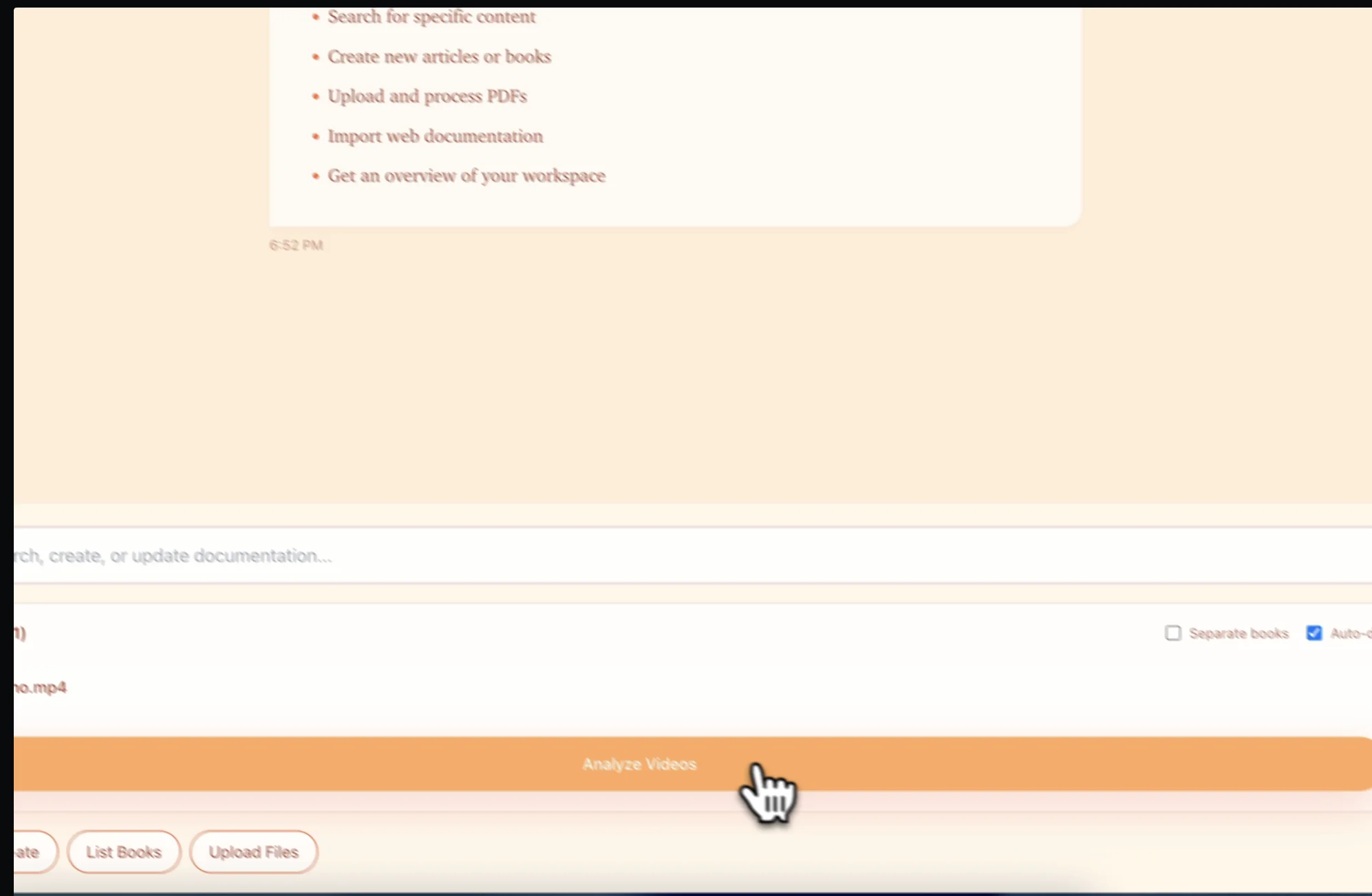
Upload your product webinar, support tutorial, or training content. Supports MP4, MOV, WebM and YouTube/Vimeo links
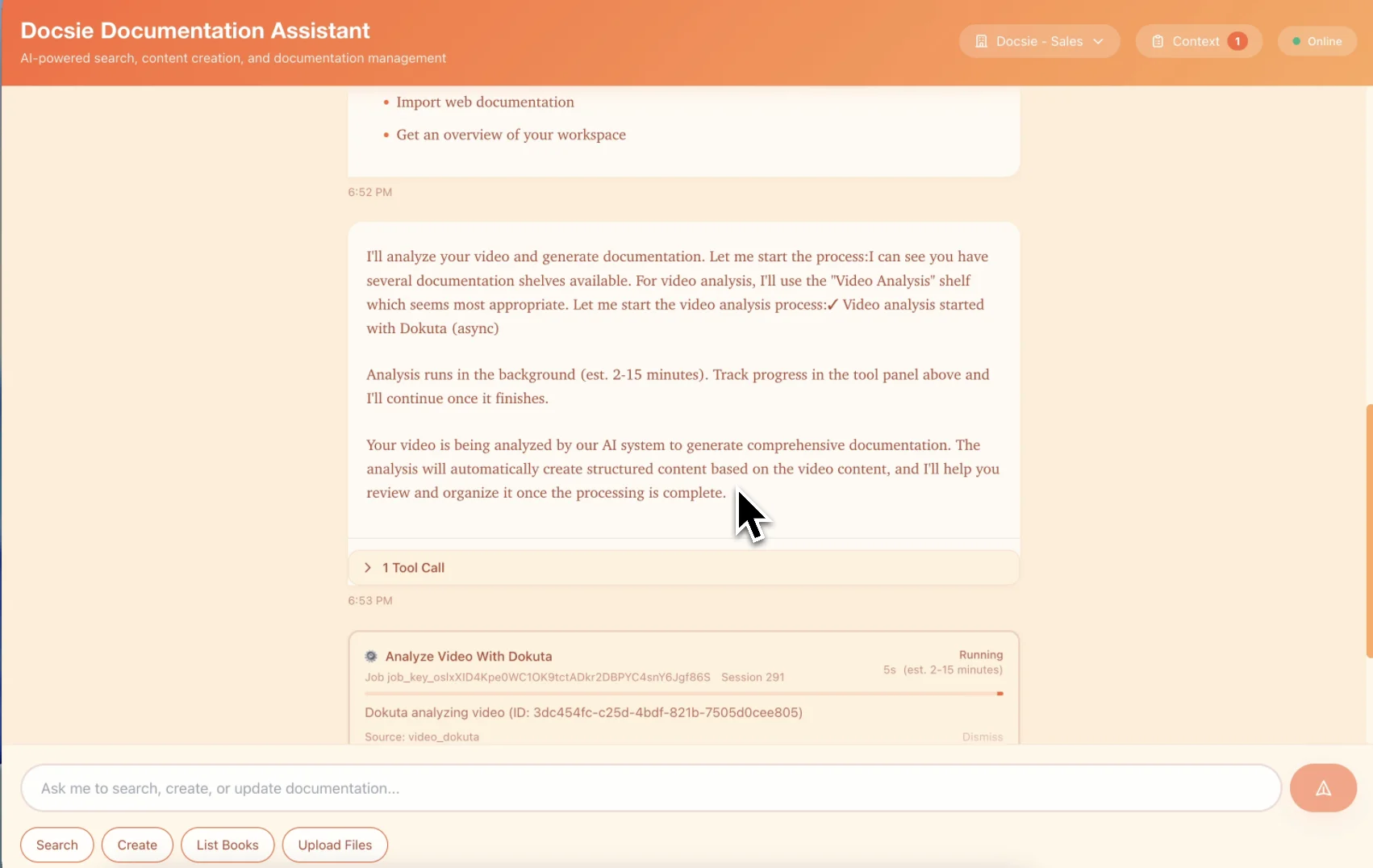
Multimodal AI splits video into focused articles by topic, extracts FAQs, and creates cross-links between related content
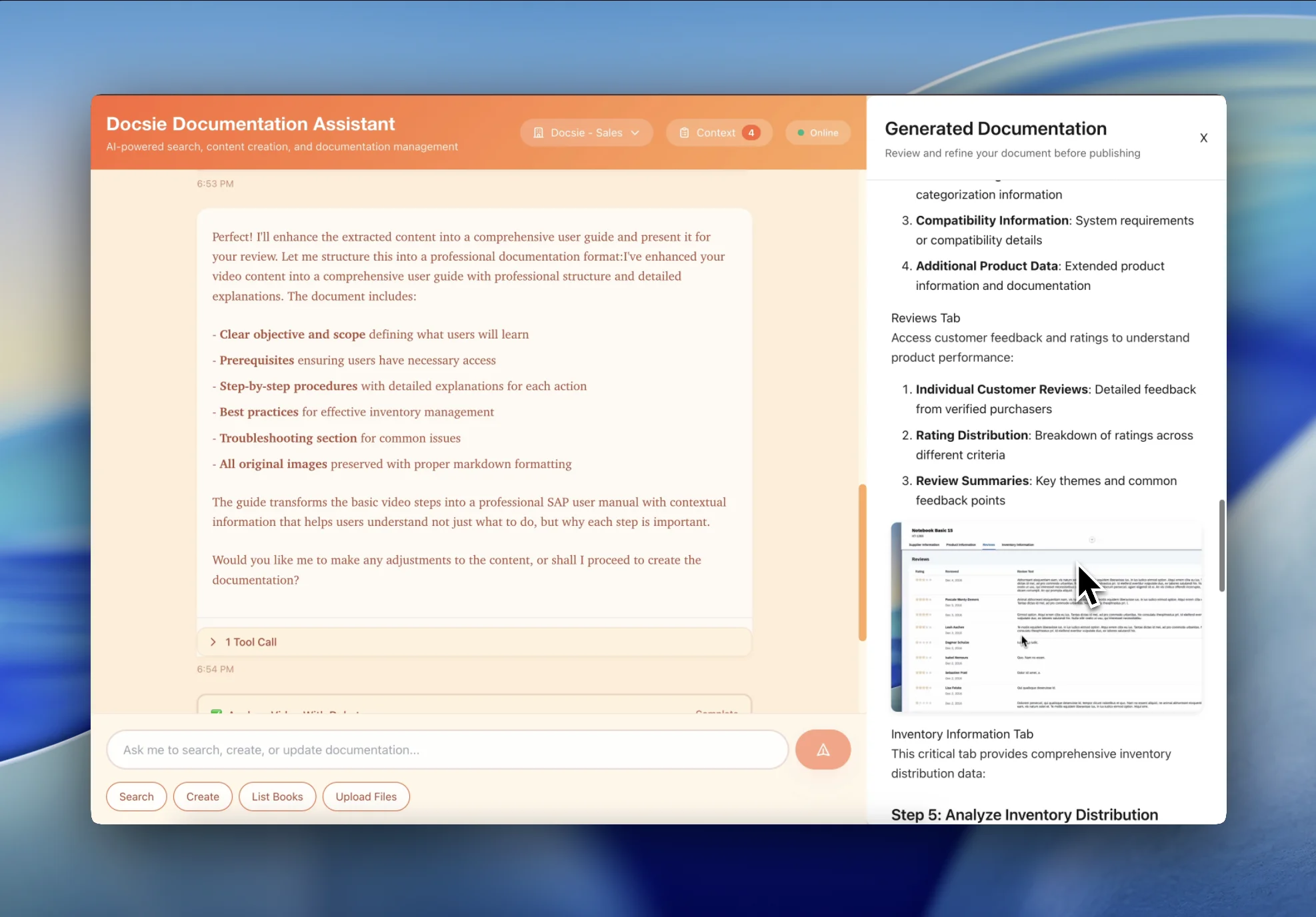
Get searchable KB articles with categories, tags, and navigation structure—users find answers in seconds instead of watching videos
See how teams transform videos into searchable KB articles

Transform product demo webinars and feature announcement videos into categorized KB articles organized by topic. Perfect for product teams building self-service knowledge bases from recorded sessions.

Turn support screencasts and troubleshooting videos into step-by-step how-to articles with screenshots and searchable procedures. Reduce repetitive support tickets with self-service documentation.
Convert training libraries, onboarding videos, and educational content into organized KB articles with search optimization and user-friendly formatting.
Everything you need to convert videos into searchable KB articles
AI automatically organizes articles into logical categories and assigns relevant tags for easy browsing
Automatically extract questions and answers from videos to create FAQ sections and Q&A articles
AI identifies related topics and creates cross-links between KB articles for better navigation
Generate fully searchable KB articles with keyword optimization and search-friendly formatting
Automatically capture and insert screenshots to create visual step-by-step guides
Auto-generate article navigation with collapsible sections and anchor links
Watch how Docsie Copilot analyzes both audio and video—seeing UI elements, reading on-screen text, and capturing code—to create structured documentation
No credit card required • 14-day free trial
Common Questions
Everything you need to know about converting videos to KB articles
Q: Does the AI automatically organize videos into KB categories?
A: Yes. Docsie's AI analyzes the topic and content of each video and automatically assigns it to relevant categories. It creates a logical knowledge base structure organized by topic, making it easy for users to browse and find information.
Q: Can one video create multiple KB articles?
A: Absolutely. Long webinars or training videos are automatically split into multiple focused KB articles by topic. A 60-minute webinar might become 8-10 separate articles, each covering a specific feature or question—making knowledge more discoverable.
Q: How does FAQ generation work?
A: The AI identifies question-and-answer patterns in your videos and automatically extracts them into FAQ format. It recognizes when presenters answer audience questions, explain common issues, or address typical user problems.
Q: How does this improve self-service and reduce support tickets?
A: KB articles are searchable by keyword, making answers instantly findable. Users type their question, find the exact article, and self-serve—instead of opening support tickets or watching entire videos hoping to find the answer.
Q: Can I customize how articles are organized and tagged?
A: Yes. The AI-generated categories and tags serve as a starting point that you can customize to match your KB structure. You can reorganize articles, create custom categories, and adjust tags to fit your knowledge base taxonomy.
Still have questions?
Book a DemoCompatible with webinar and training content platforms

Product tutorials and training playlists

Webinar recordings and educational content
Zoom, GoToWebinar, Webex session recordings
MP4, MOV, WebM from any video source
Start creating professional documentation that your users will love