4.8
on G2
Sign In
Transform product demos and training videos into comprehensive user manuals. Perfect for product teams, technical writers, and SaaS companies creating product documentation from video content.
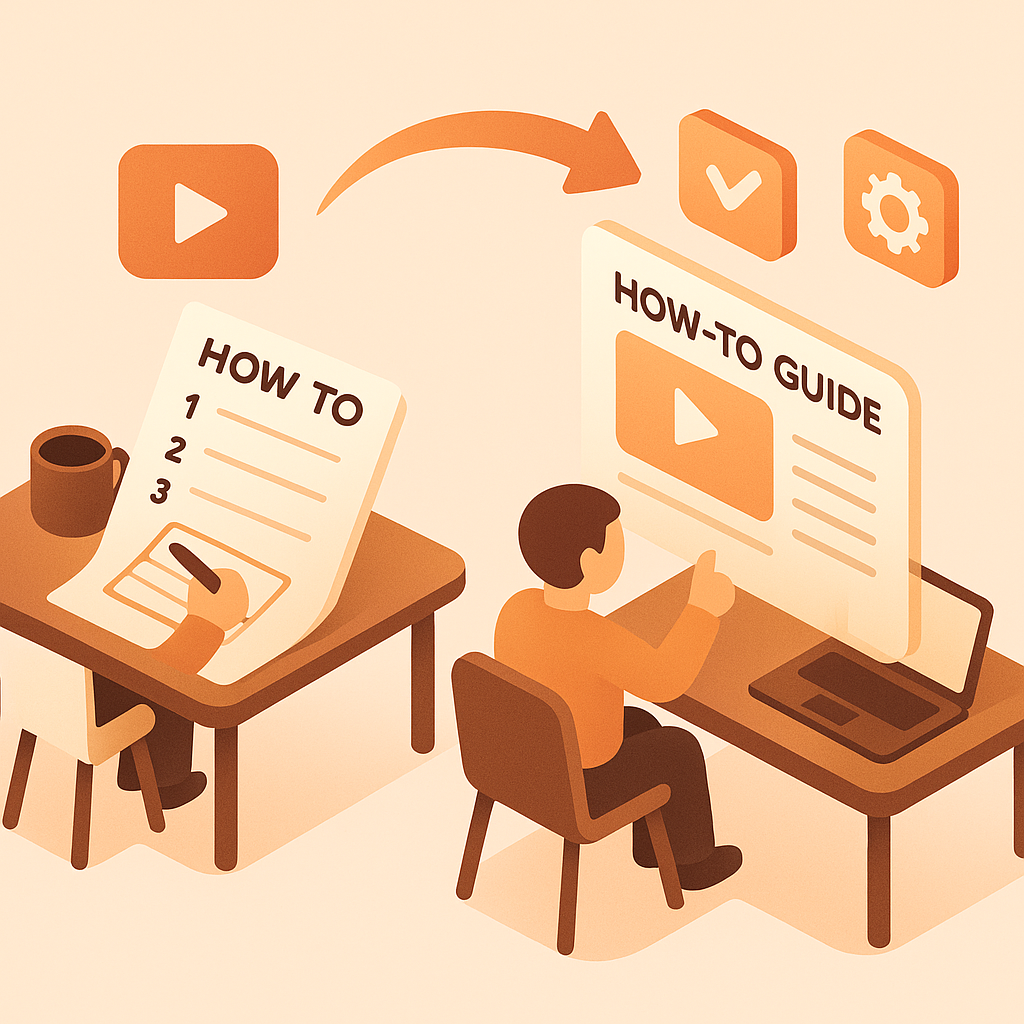
Watch It Work
See how product demo videos become comprehensive user manuals instantly
Join forward-thinking teams using Docsie to transform video content into searchable documentation






_Leader_Small-Business_Leader.svg)


_BestSupport_Small-Business_QualityOfSupport.svg)

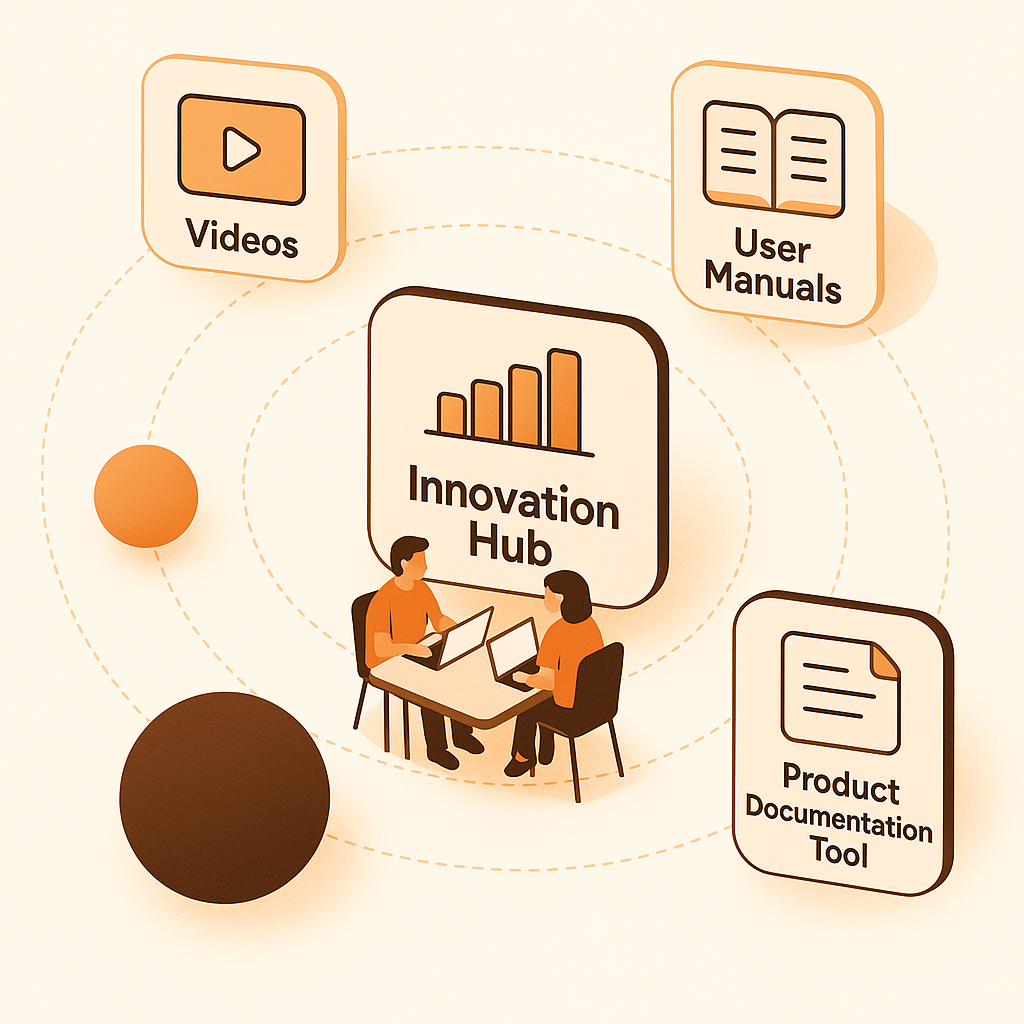
Product demo videos become comprehensive, searchable user manuals
Why Docsie is Different
Most tools just convert speech to text. Docsie's multimodal AI actually watches your videos—reading on-screen text, identifying UI elements, and understanding visual context.
AI watches and understands video content—reads on-screen text, identifies UI elements, detects visual changes, and understands what's happening in each frame
Correlates what's being said with what's being shown. Understands technical terminology, product names, and industry jargon—no more 'sequel' instead of 'SQL'
Identifies important visual moments—UI changes, diagram reveals, key screens—and captures them as illustrations correlated with text
Simple Process
Powered by Docsie Copilot's agentic AI system
Drop your product walkthrough, feature demo, or training video into Docsie. Supports MP4, MOV, AVI, WebM and direct YouTube/Vimeo links
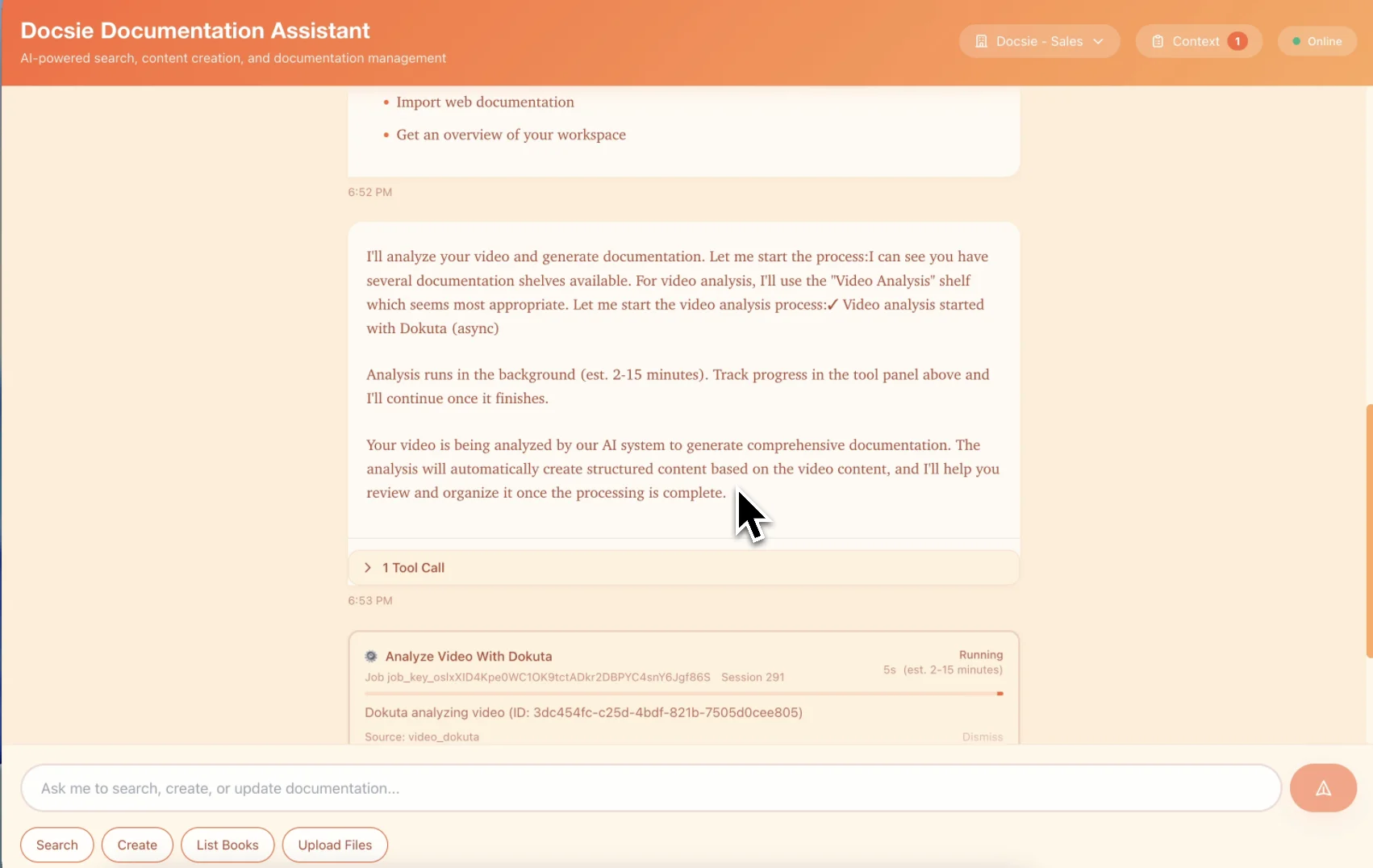
Multimodal AI identifies product features, captures UI screenshots, and organizes content into logical manual chapters with table of contents
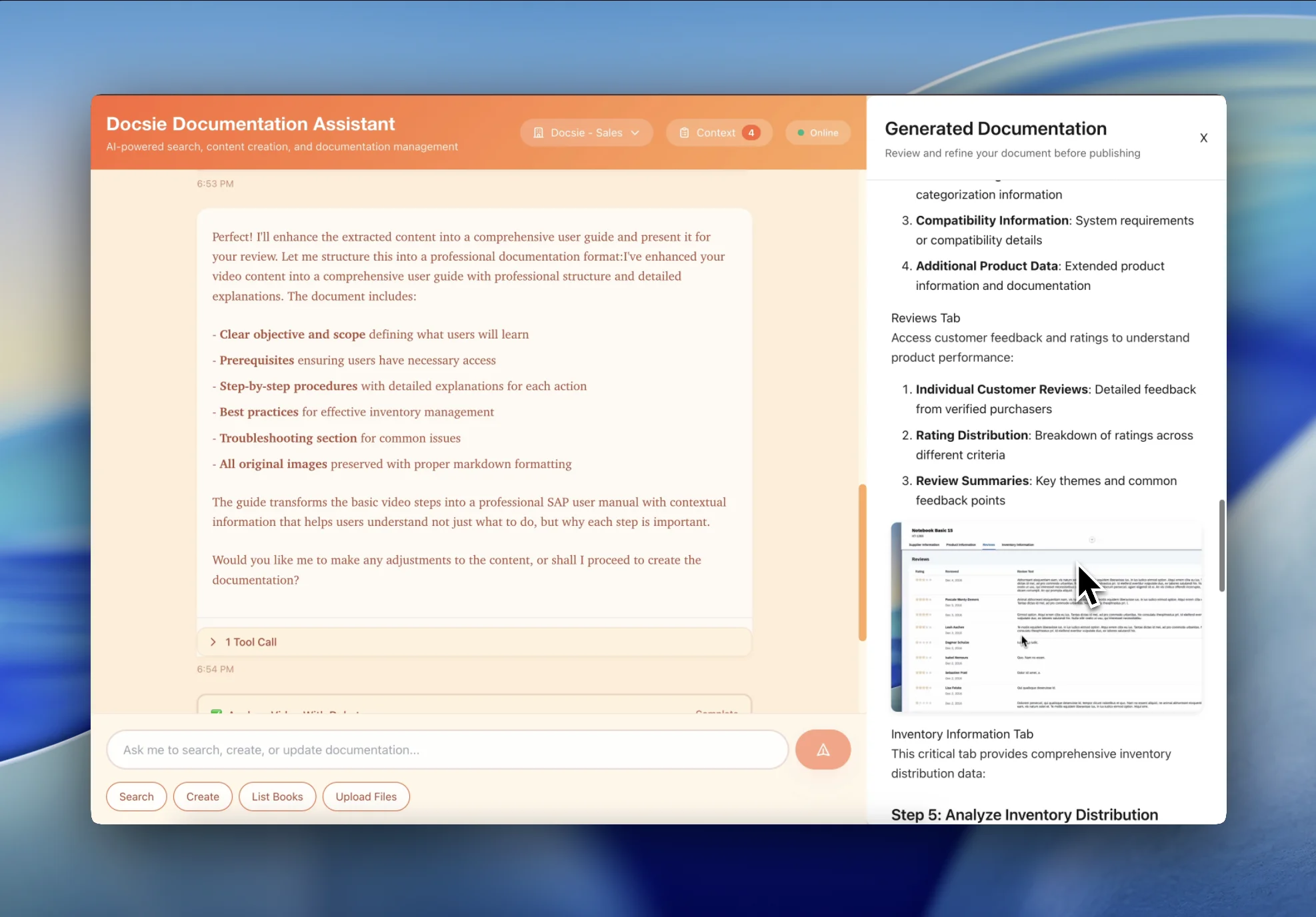
Get a comprehensive user manual with feature sections, screenshots, and searchable content—ready to publish the same day as your product release
See how product teams transform demos into comprehensive user manuals

Transform SaaS product demos and walkthrough videos into comprehensive user manuals organized by feature. Perfect for product teams shipping documentation alongside product releases.

Turn software training and onboarding videos into getting started guides with installation instructions, configuration steps, and first-use tutorials.

Convert product unboxing, setup, and operation videos into illustrated user manuals with assembly instructions, safety warnings, and troubleshooting sections.
Everything you need to convert product videos into comprehensive user manuals
AI organizes content into logical chapters and sections by feature, making manuals easy to navigate
Auto-generate comprehensive table of contents with page numbers and section links for easy navigation
Automatically identify and highlight safety warnings, cautions, and important notices from video content
Generate fully searchable manuals with keyword indexing and feature cross-referencing
Automatically capture product screenshots and diagrams to create visual user guides
Convert product videos into user manuals in multiple languages for global product distribution
Watch how Docsie Copilot analyzes both audio and video—seeing UI elements, reading on-screen text, and capturing code—to create structured documentation
No credit card required • 14-day free trial
Common Questions
Everything you need to know about converting videos to user manuals
Q: Does the AI automatically organize content into manual chapters?
A: Yes. Docsie's AI analyzes your product demo or training video and automatically organizes content into logical chapters and sections. It creates a proper manual structure with introduction, feature sections, and troubleshooting—making it easy for users to navigate.
Q: Can I customize the manual format and branding?
A: Absolutely. The AI-generated manual serves as a comprehensive first draft that you can edit to match your product branding, manual template, and style guide. All chapters, screenshots, and instructions can be customized while maintaining the core content structure.
Q: How does this handle product screenshots and diagrams?
A: The AI automatically captures key moments from your product demo video—UI screens, feature demonstrations, and workflow steps—and inserts them as illustrations in the manual. This creates visual step-by-step guides that are easier for users to follow.
Q: Does the AI understand product features and user workflows?
A: Yes. Our multimodal AI is trained on product documentation and user guides. It recognizes product features, UI elements, user workflows, and common product operations—ensuring the manual accurately reflects how users interact with your product.
Q: Can I ship this as official product documentation?
A: Yes. The AI-generated manual provides a solid foundation that you can refine and publish as official product documentation. Many teams use it to ship documentation on the same day as product releases, then refine details based on user feedback.
Still have questions?
Book a DemoCompatible with major product demo and documentation platforms

Process product demos and feature walkthroughs

Convert product video libraries
Camtasia, ScreenFlow, OBS product captures
MP4, AVI, WebM, MOV from any recording tool
Start creating professional documentation that your users will love