4.8
on G2
Sign In
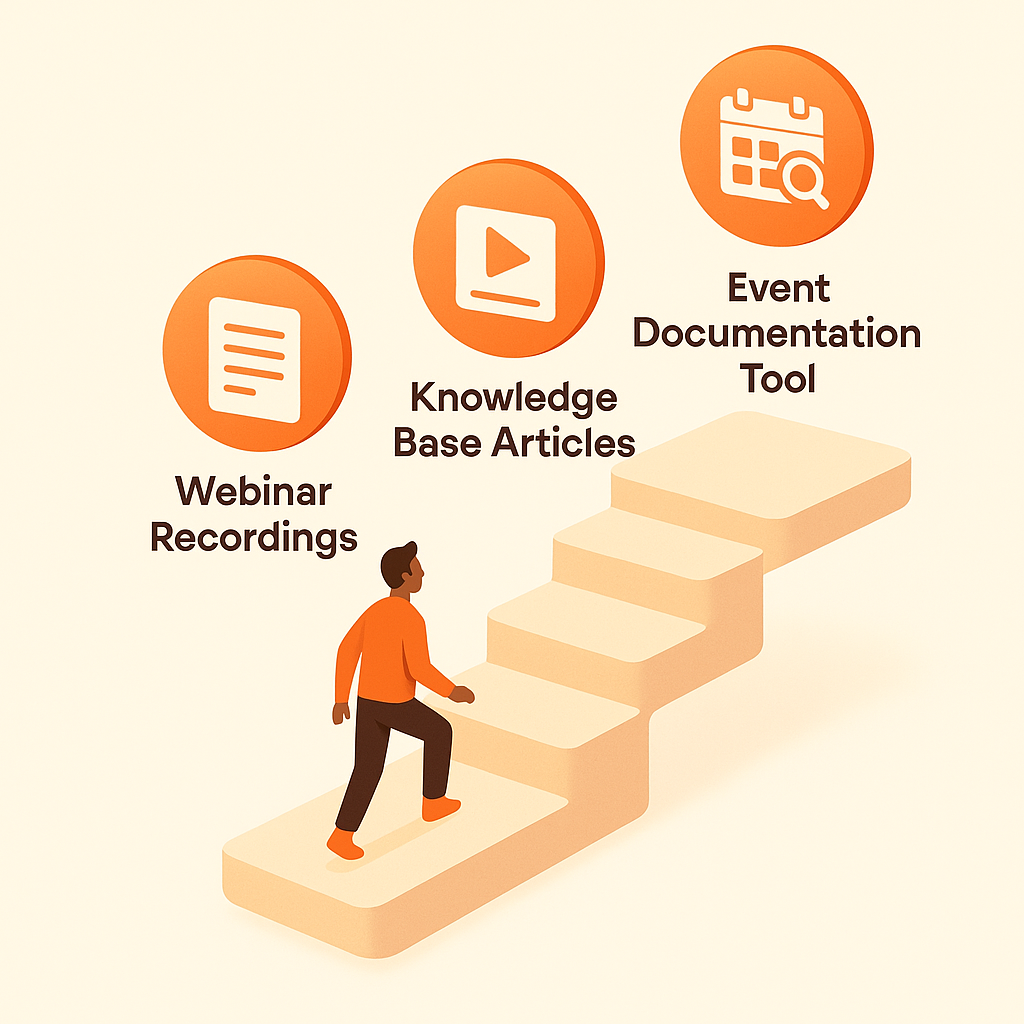
Transform webinar recordings into searchable articles, Q&A documentation, and permanent educational content. Perfect for marketing teams, customer education, and content marketing.
Watch It Work
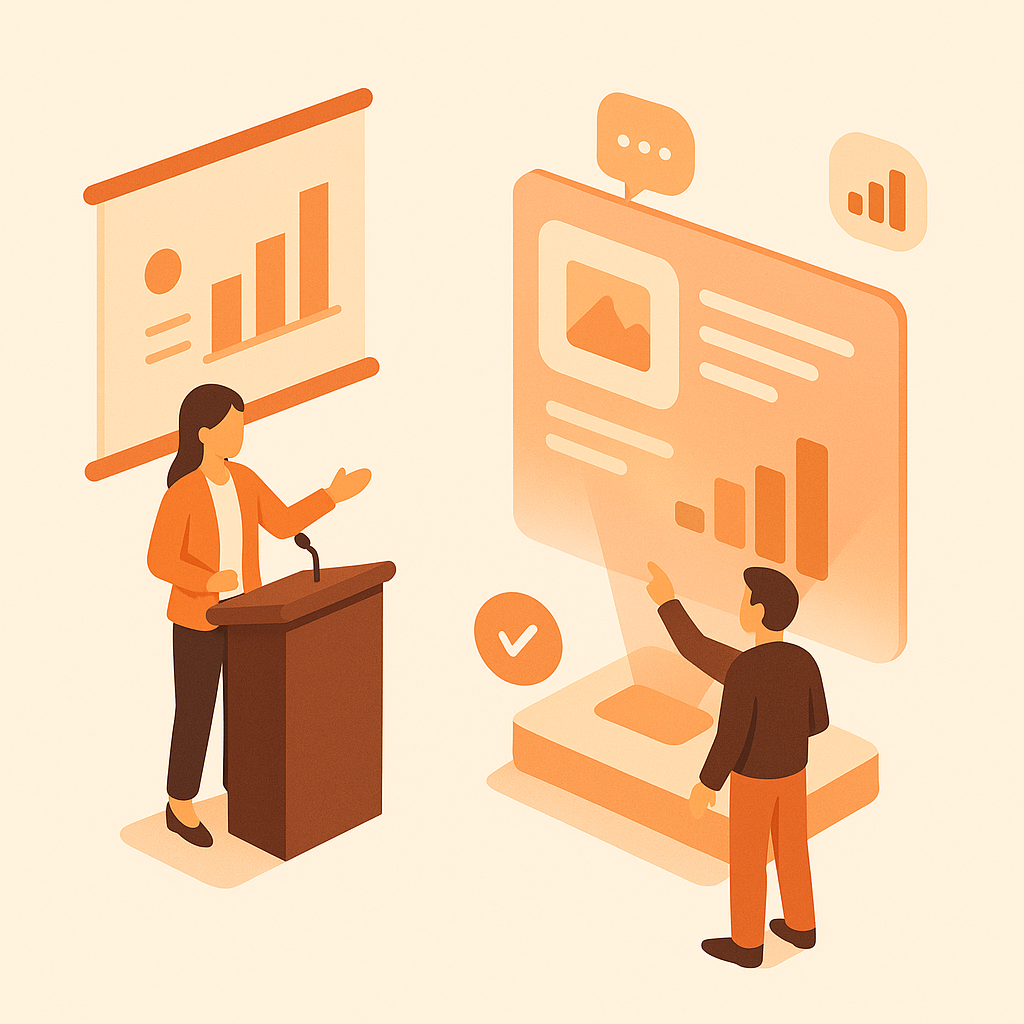
See how webinar recordings become searchable educational content instantly
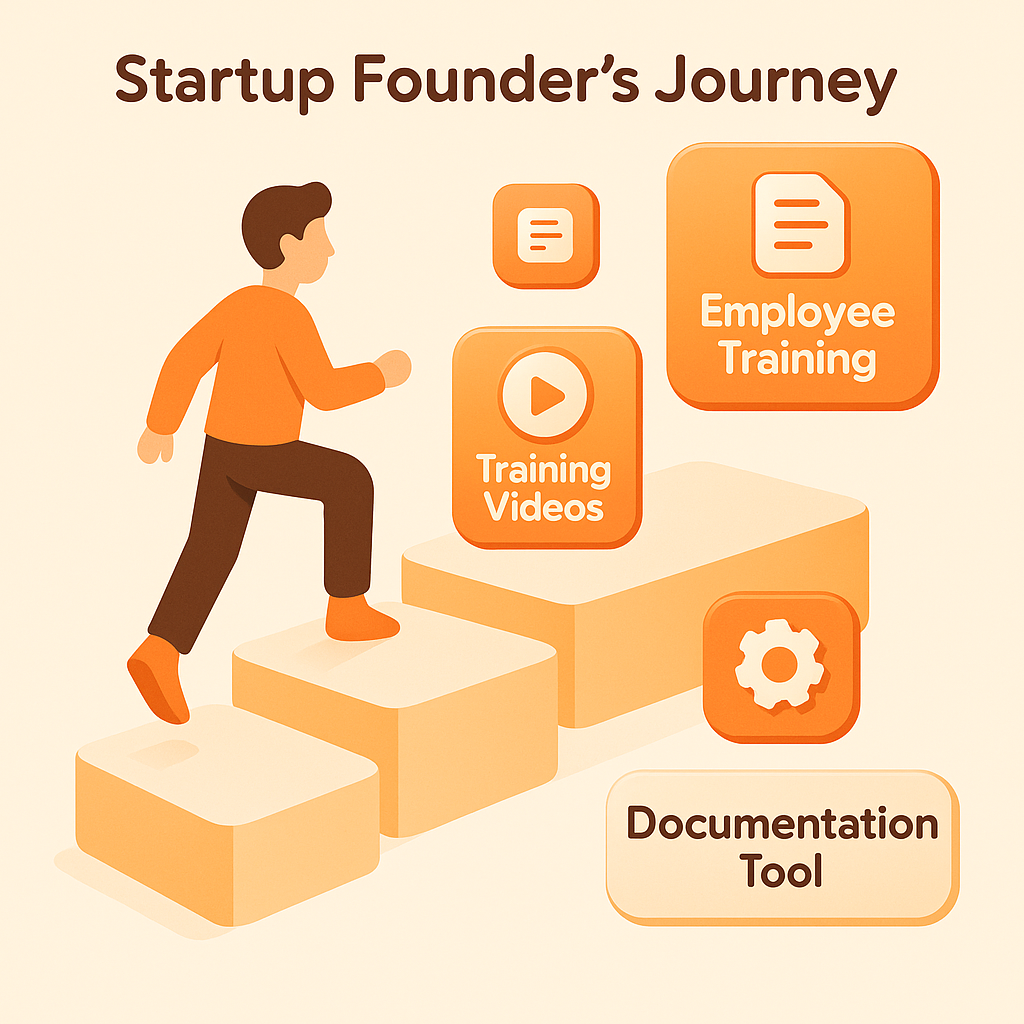
Join forward-thinking teams using Docsie to transform video content into searchable documentation





_Leader_Small-Business_Leader.svg)


_BestSupport_Small-Business_QualityOfSupport.svg)

60-minute webinars watched once, never referenced again
Content Multiplier
Docsie extracts key topics, Q&A sessions, and speaker insights from webinar recordings—creating a library of educational content from every event.
One 60-minute webinar becomes 5-10 targeted articles covering different topics discussed. Each article optimized for search and self-contained
Automatically extracts questions and answers from live Q&A sessions. Creates FAQ articles and troubleshooting guides from audience questions
Converts webinar content into SEO-friendly articles that rank for educational keywords. Drives organic traffic long after the live event
Simple Process
Powered by Docsie Copilot's agentic AI system
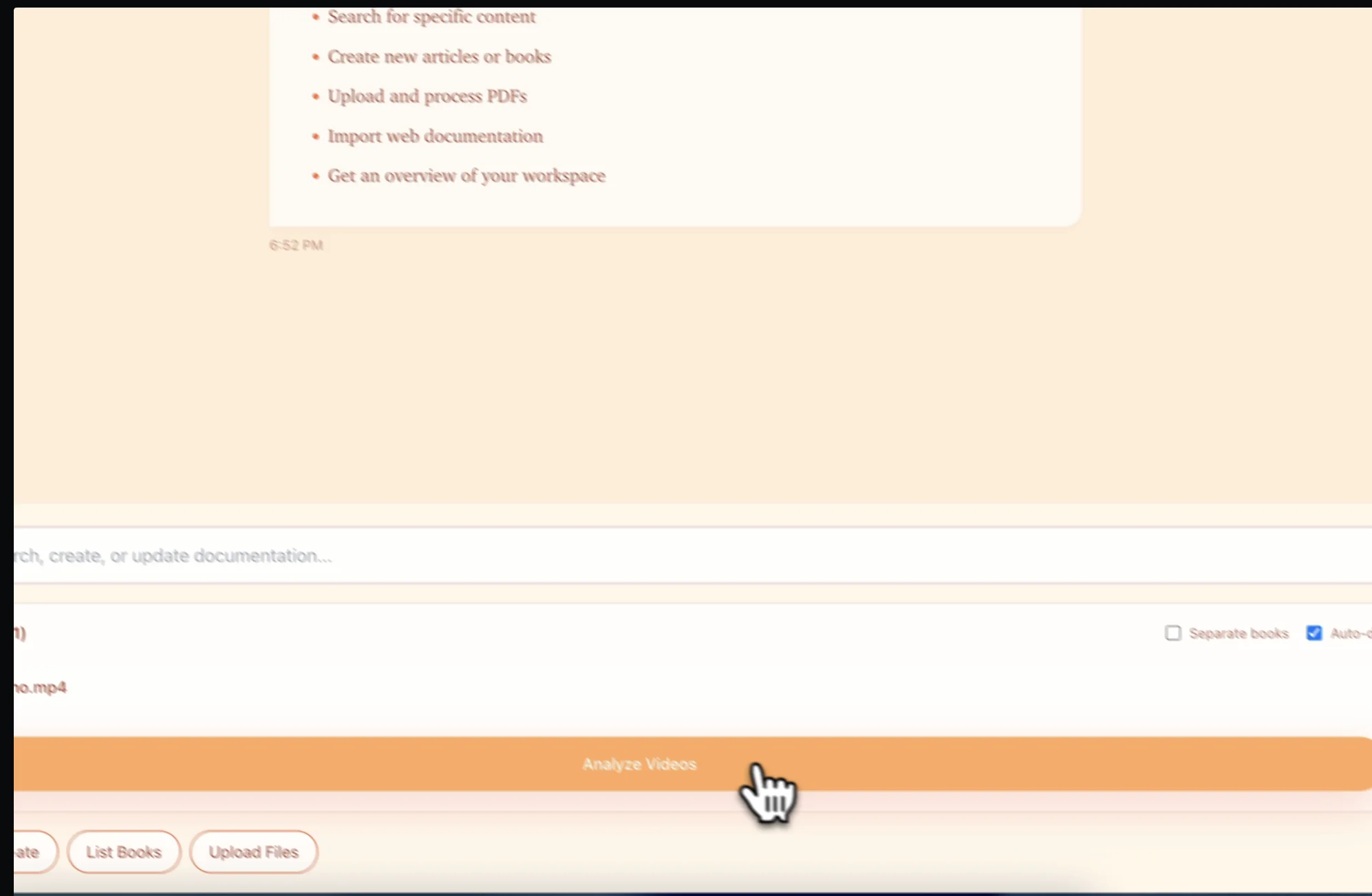
Drop your Zoom, GoToWebinar, or webinar platform recording into Docsie. Supports MP4, MOV, and direct links from YouTube or Vimeo
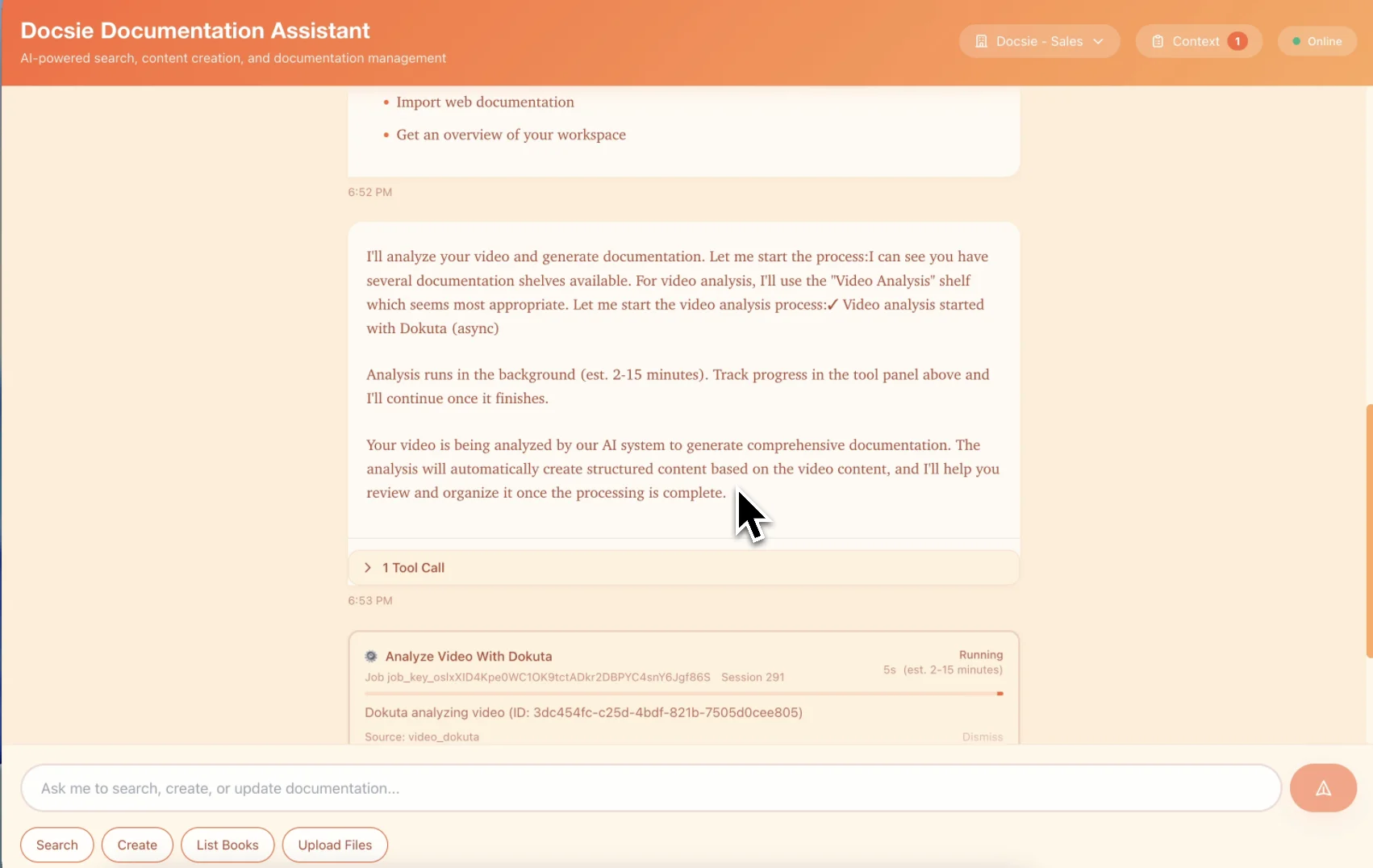
AI identifies topic changes, extracts Q&A sessions, and splits your 60-minute webinar into 5-10 focused, SEO-optimized articles with speaker attribution
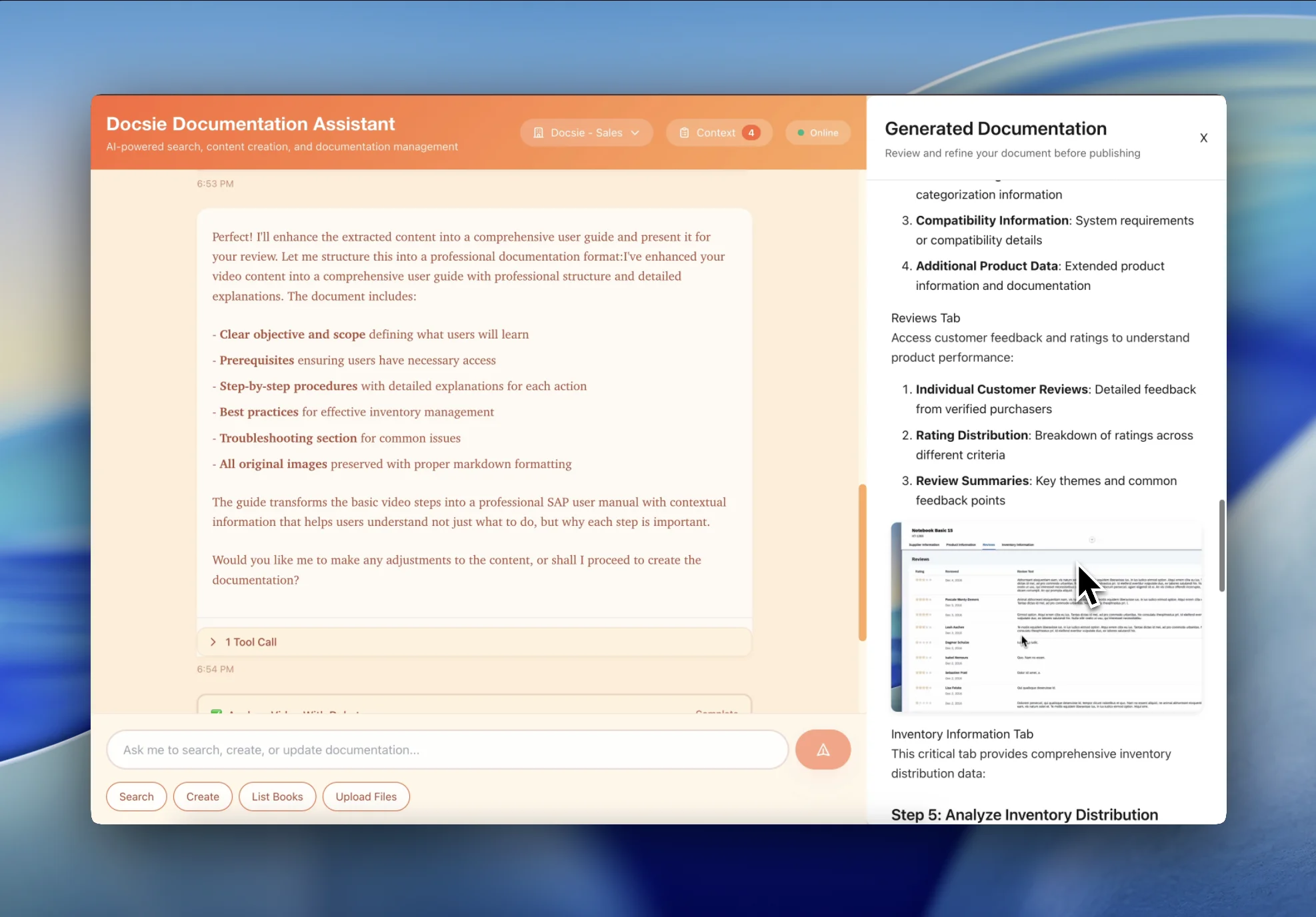
Get ready-to-publish articles with meta descriptions, headers, and key quotes extracted—turn one webinar into months of content marketing
See how marketing teams multiply content value from every webinar

Convert product announcement webinars into detailed feature documentation. Every feature demo becomes a searchable article prospects can reference when evaluating your product.
Transform thought leadership webinars into educational blog posts and course materials. One expert webinar becomes a content library that drives organic traffic for years.
Convert customer training webinars into searchable help center articles. Customers find answers in your knowledge base instead of waiting for the next live session.
Everything you need to multiply content value from every webinar recording
AI splits one webinar into 5-10 focused articles—each covering a specific topic discussed, optimized for search engines
Automatically identifies speakers, attributes quotes, and creates speaker bios for multi-presenter webinars and panel discussions
Identifies and extracts Q&A segments into formatted FAQ articles—every audience question becomes searchable content
Pulls memorable quotes and insights for social media, email newsletters, and promotional content
Articles formatted with proper headings, meta descriptions, and keyword optimization for organic search traffic
Transform one-time webinar events into permanent content assets that drive traffic and leads for years
Watch how Docsie Copilot analyzes both audio and video—seeing UI elements, reading on-screen text, and capturing code—to create structured documentation
No credit card required • 14-day free trial
Common Questions
Everything you need to know about turning webinars into knowledge base articles
Q: How many articles does one webinar typically generate?
A: A typical 60-minute webinar produces 5-10 focused articles. Each major topic discussed becomes its own SEO-optimized article, plus we extract the Q&A session as a separate FAQ article. Longer webinars with more topics generate more content.
Q: Does it identify different speakers in panel discussions?
A: Yes. Our AI identifies different speakers by voice and attributes quotes accordingly. For panels and interviews, each speaker gets proper attribution. You can add speaker bios and headshots to the generated articles.
Q: Can I choose which topics become separate articles?
A: Absolutely. The AI suggests article splits based on topic changes, but you have full control. Merge topics into longer articles, split them further, or reorganize the content structure before publishing.
Q: Are the articles optimized for search engines?
A: Yes. Each article includes suggested meta titles, descriptions, and header structure optimized for SEO. The AI identifies relevant keywords from the webinar content and incorporates them naturally into headings and body text.
Q: Can I repurpose the content for social media?
A: The AI extracts quotable moments, key statistics, and memorable insights perfect for social media posts. You get a list of shareable quotes with speaker attribution that you can post directly to LinkedIn, Twitter, or include in email newsletters.
Still have questions?
Book a DemoCompatible with major webinar and virtual event platforms

Process Zoom webinar and meeting recordings

Convert GoToWebinar session recordings

Process YouTube Live and Premiere recordings
MP4, AVI, WebM, MOV from any webinar platform
Start creating professional documentation that your users will love