4.8
on G2
Sign In
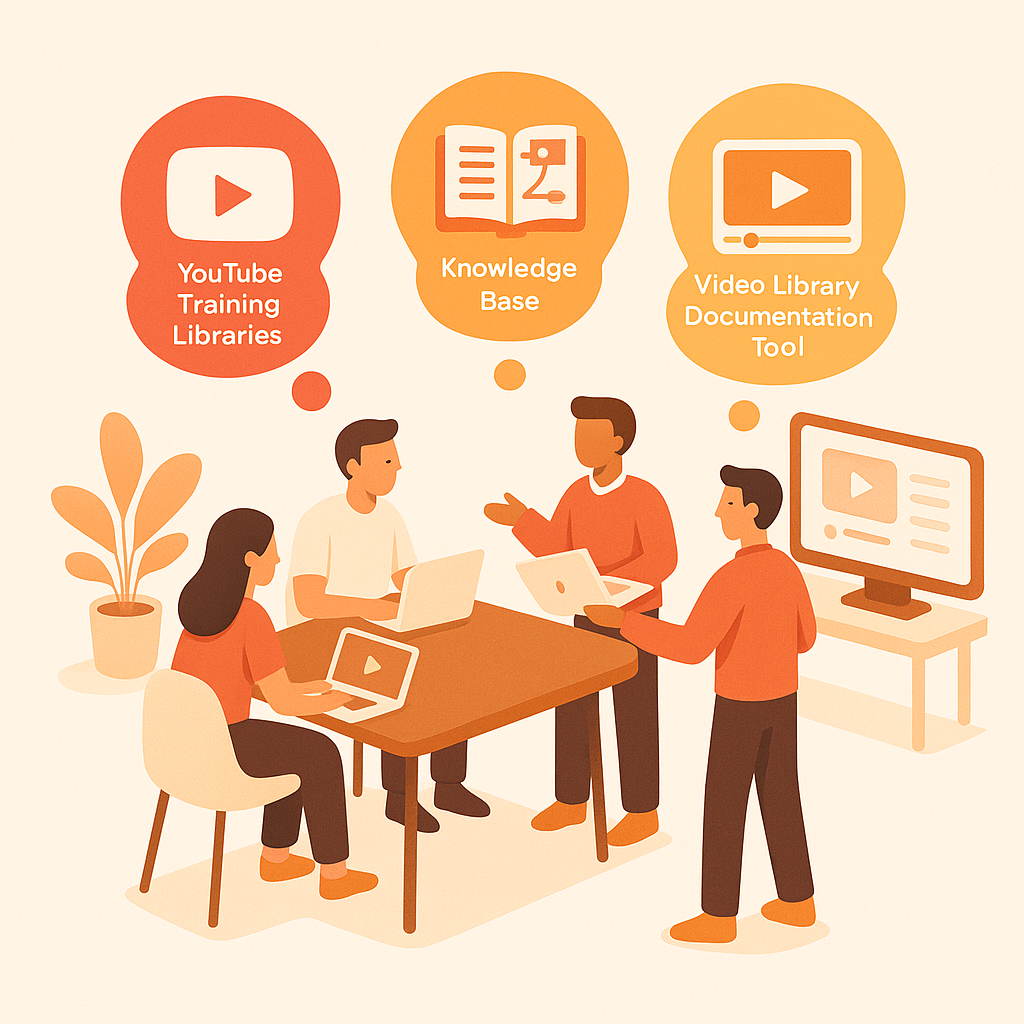
Transform YouTube playlists and training channels into searchable knowledge base articles. Perfect for learning & development teams, content creators, and organizations with extensive video training libraries.
Watch It Work
See how YouTube training libraries become searchable knowledge bases instantly
Join forward-thinking teams using Docsie to transform video content into searchable documentation






_Leader_Small-Business_Leader.svg)


_BestSupport_Small-Business_QualityOfSupport.svg)

Video libraries become searchable, skimmable knowledge bases
Why Docsie is Different
Most tools just convert speech to text. Docsie's multimodal AI actually watches your videos—reading on-screen text, identifying UI elements, and understanding visual context.
AI watches and understands video content—reads on-screen text, identifies UI elements, detects visual changes, and understands what's happening in each frame
Correlates what's being said with what's being shown. Understands technical terminology, product names, and industry jargon—no more 'sequel' instead of 'SQL'
Identifies important visual moments—UI changes, diagram reveals, key screens—and captures them as illustrations correlated with text
Simple Process
Powered by Docsie Copilot's multimodal AI
Download videos from your YouTube training channel or playlist and upload to Docsie. Process entire training libraries at once
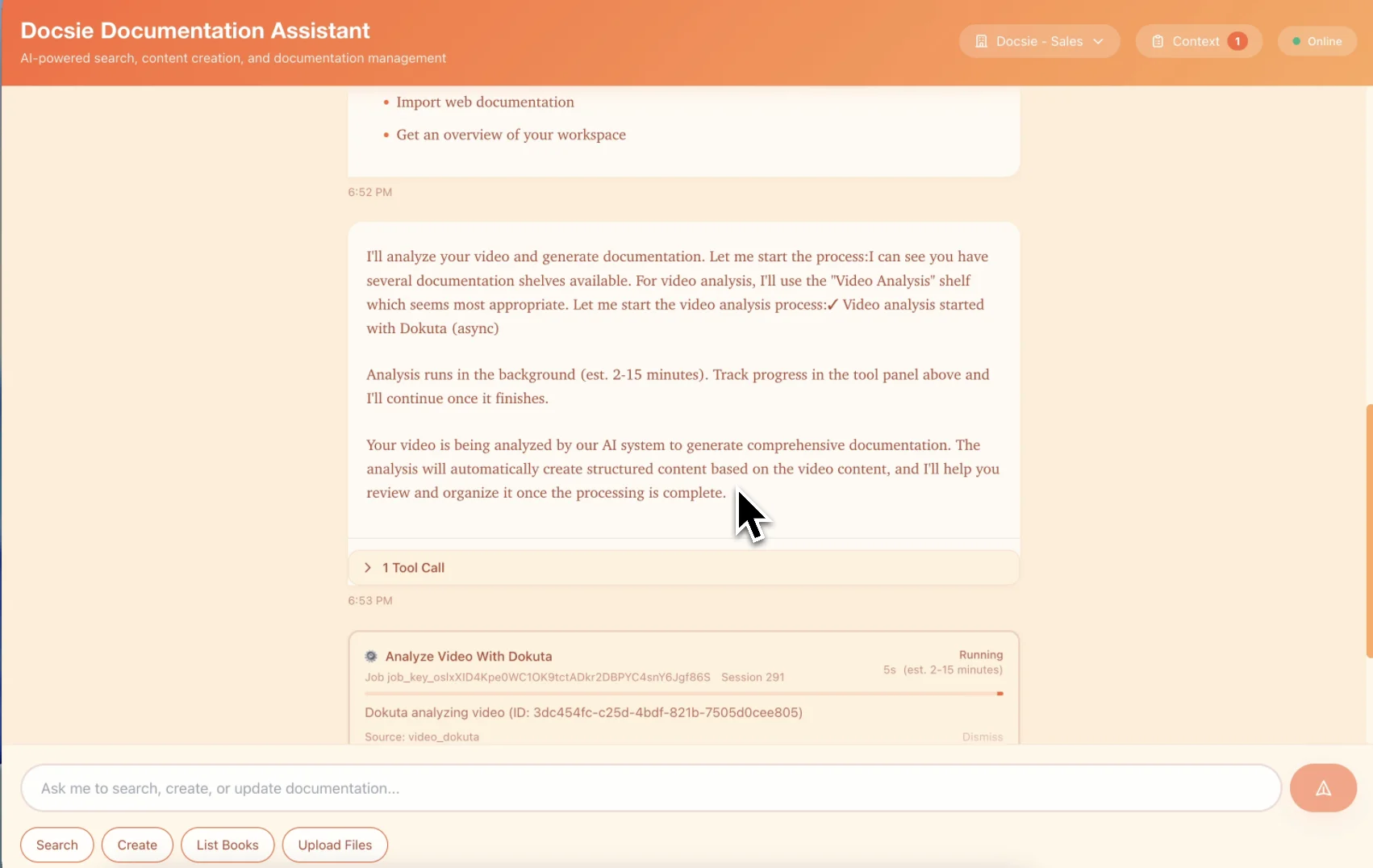
Multimodal AI watches each video, extracts key topics, creates chapters, and organizes content into a structured knowledge base with cross-references
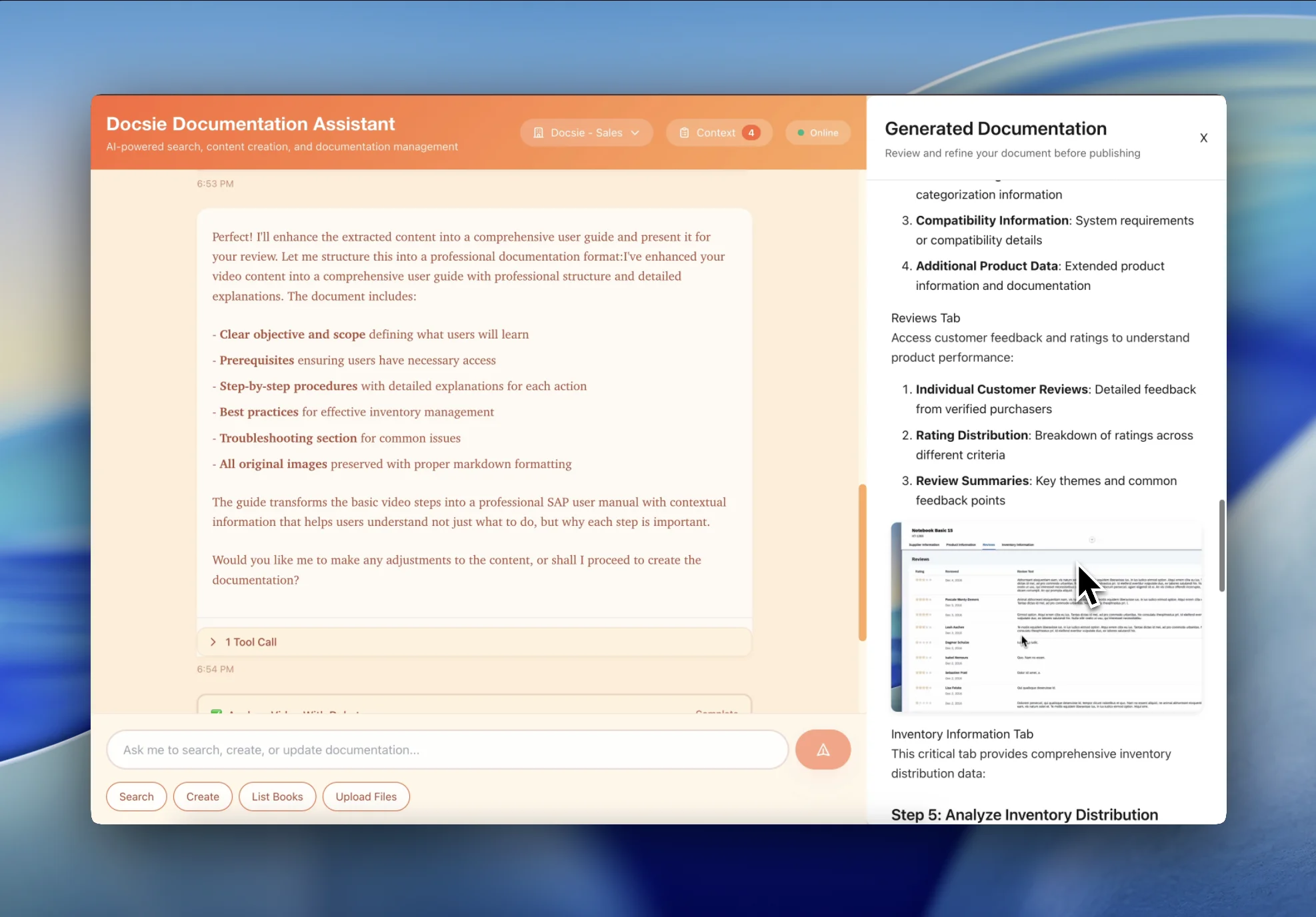
Get a searchable knowledge base where employees find answers instantly—no more scrubbing through hours of video content
See how L&D teams transform YouTube video libraries into searchable knowledge bases

Transform 50+ video playlists into organized learning paths with chapters, topics, and searchable content. Employees find specific answers without watching entire video series.

Convert years of YouTube training content into a permanent, searchable knowledge base. No more content trapped in video format that employees can't quickly reference.
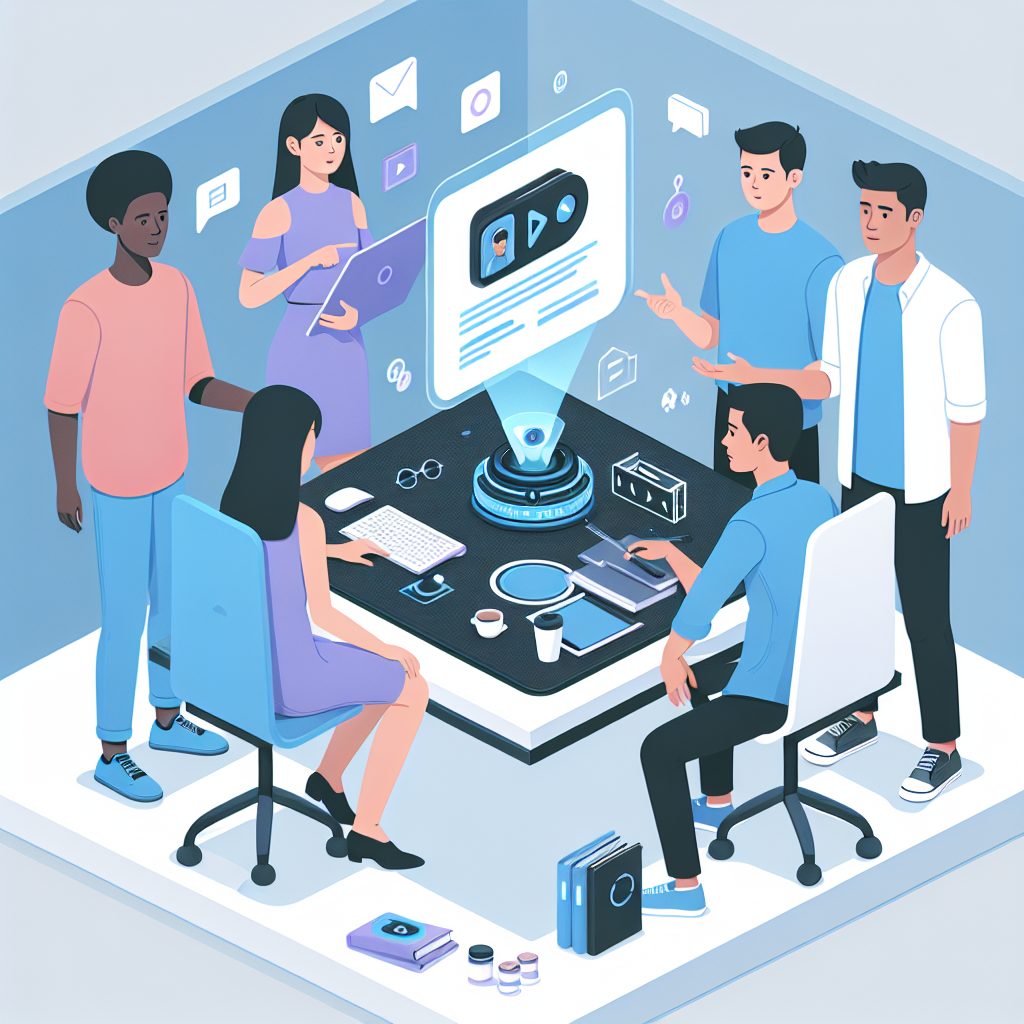
Record training in English on YouTube, then generate searchable knowledge bases in every language your workforce speaks. No more re-recording for each region.
Transform video playlists into searchable knowledge bases
Automatically organize YouTube playlist content into structured chapters and learning paths
Search across your entire YouTube training library—find answers without watching hours of videos
Generate searchable documentation in 50+ languages from English YouTube content
AI identifies topics, procedures, and key concepts across all videos in your library
Documentation links back to specific moments in source videos for deeper learning
Update documentation when you add new videos to your YouTube training channel
Watch how Docsie Copilot analyzes both audio and video—seeing UI elements, reading on-screen text, and capturing code—to create structured documentation
No credit card required • 14-day free trial
Common Questions
Everything you need to know about converting YouTube content to knowledge bases
Q: How do I get videos from YouTube into Docsie?
A: Download your YouTube training videos (using YouTube's download feature for your own content, or third-party tools for authorized content), then upload the video files to Docsie. We process the uploaded files and generate searchable documentation from your entire training library.
Q: Can you process an entire YouTube training channel?
A: Yes. Download videos from your YouTube training channel and upload them in batches. Docsie organizes all content into a unified knowledge base with cross-references between related topics across different videos.
Q: How do you handle 100+ video playlists?
A: Docsie processes large video libraries efficiently. Each video becomes a searchable section, with AI identifying common topics and creating cross-references. Employees search the entire library at once instead of watching individual videos.
Q: How is the YouTube content organized in the knowledge base?
A: Docsie AI identifies topics, procedures, and key concepts across all your videos. Content is organized into logical chapters and learning paths, with cross-references linking related content from different videos in your library.
Q: Can employees search across all YouTube videos at once?
A: Yes. Once converted to a knowledge base, employees search for any topic and find results from any video in your library—with direct links to the relevant documentation section and original video timestamp.
Still have questions?
Book a DemoCompatible with major video platforms and formats

Process YouTube videos and playlists

Convert Vimeo content
Support for MP4, AVI, WebM, MOV
Start creating professional documentation that your users will love